A family document library for iPhone
Every card and ID in your family, in one place.
ID cards, passports, driver's licenses, bank cards, insurance, loans, checkup reports… Photograph them and they're organised, easy to find and ready to show — with a reminder before anything expires.
- No account
- No server
- No analytics or ads
- Free for now
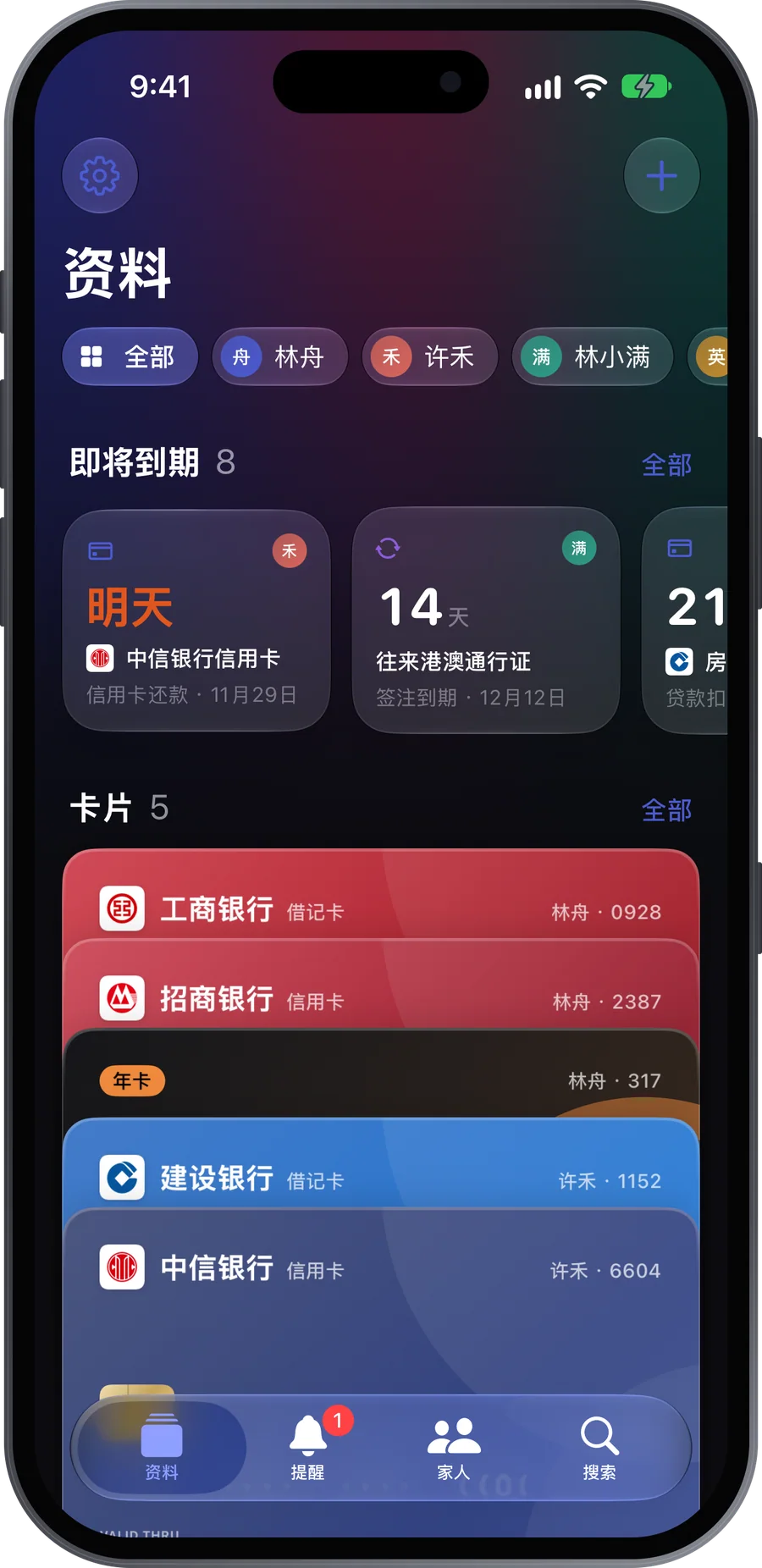
Four things Youbei does
Capture it, find it, use it, never forget it.
Capture
Photos are cropped to the card's edges automatically, numbers and dates recognised, and you confirm each one.
Learn moreFind
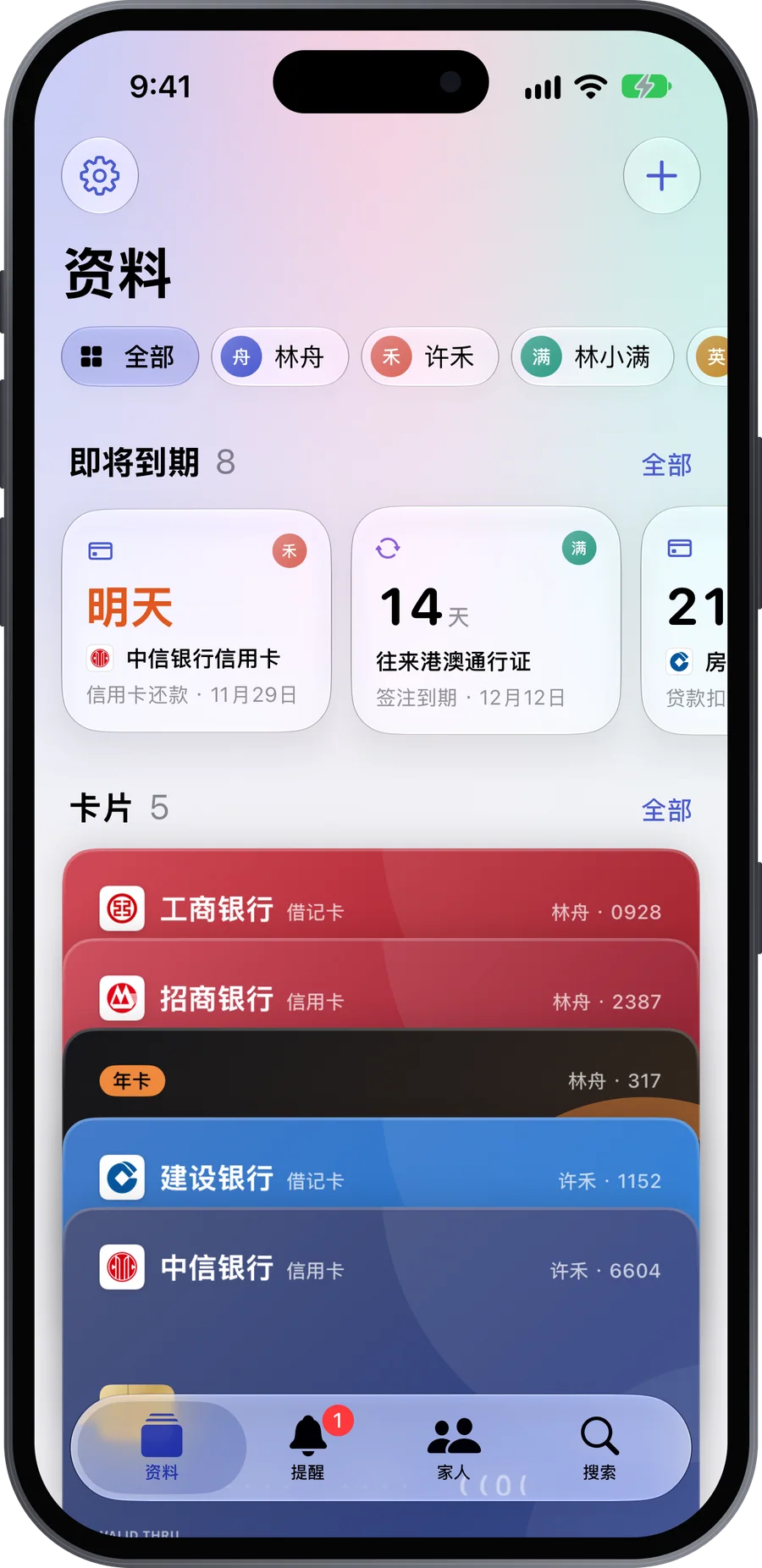
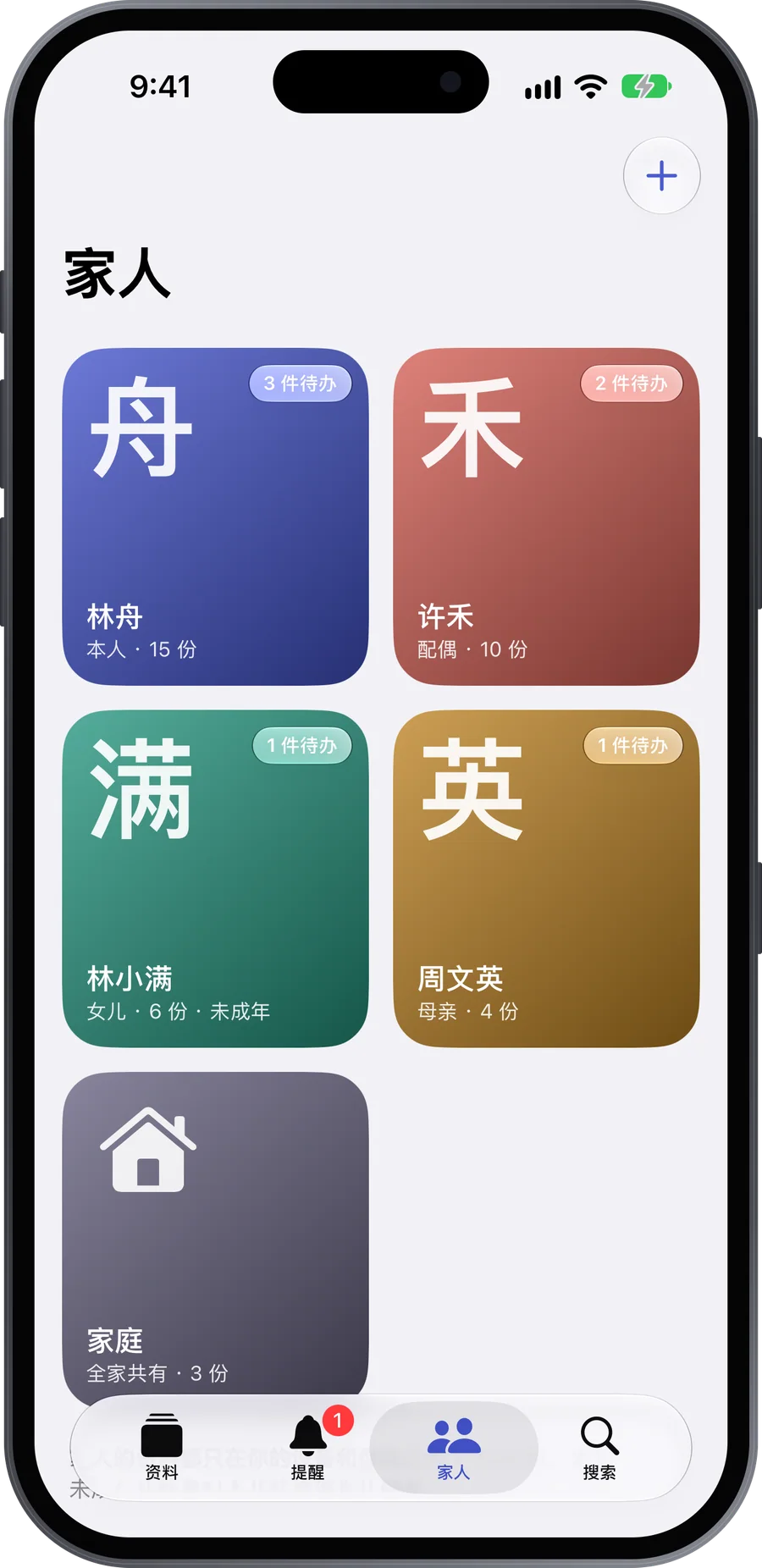
Stacked by person and by type. Search by name, family member or the last digits of a number.
Learn moreUse
Show a document full screen, or make a copy watermarked “for this purpose only” to print or send.
Learn moreRemember
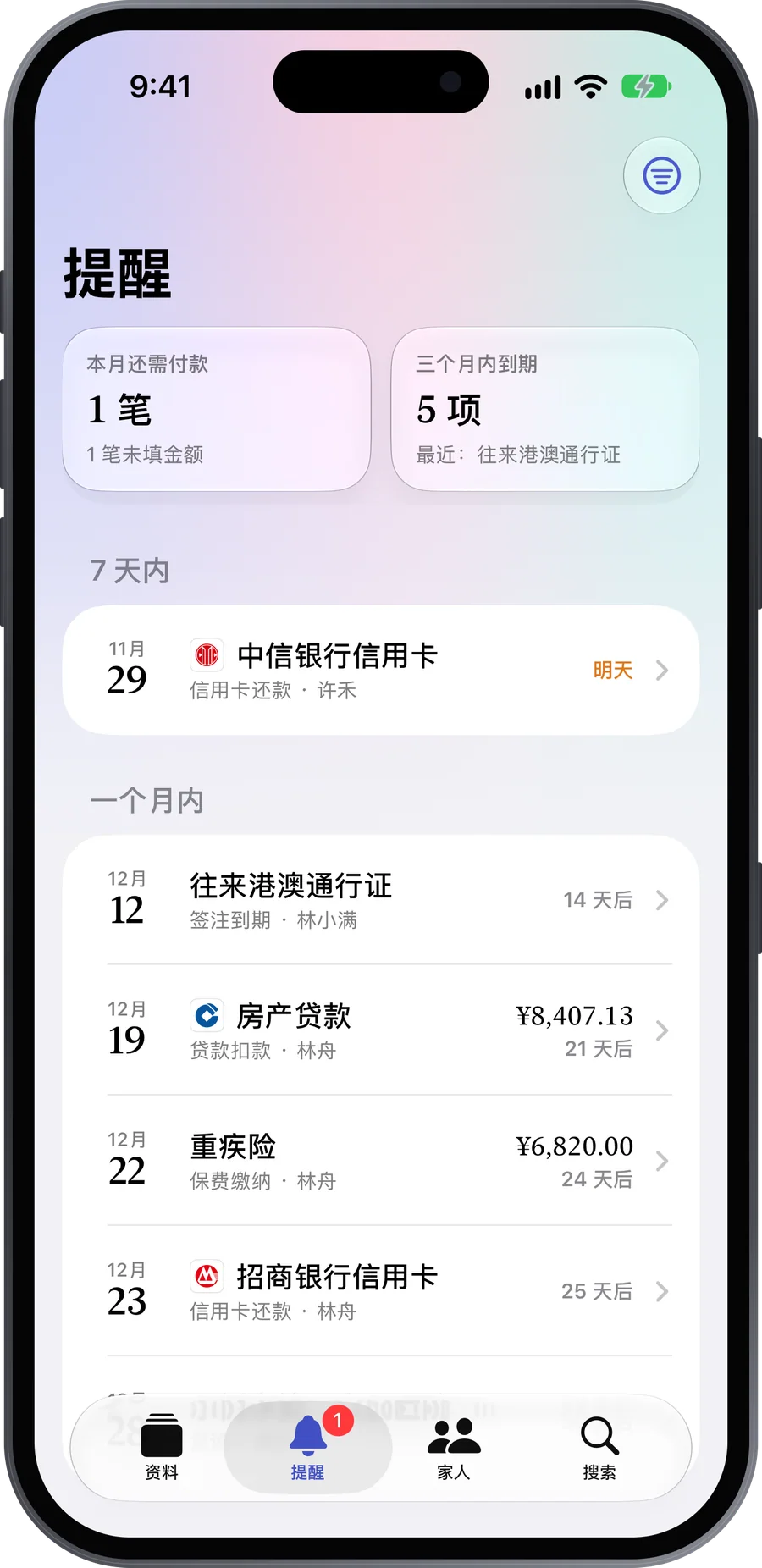
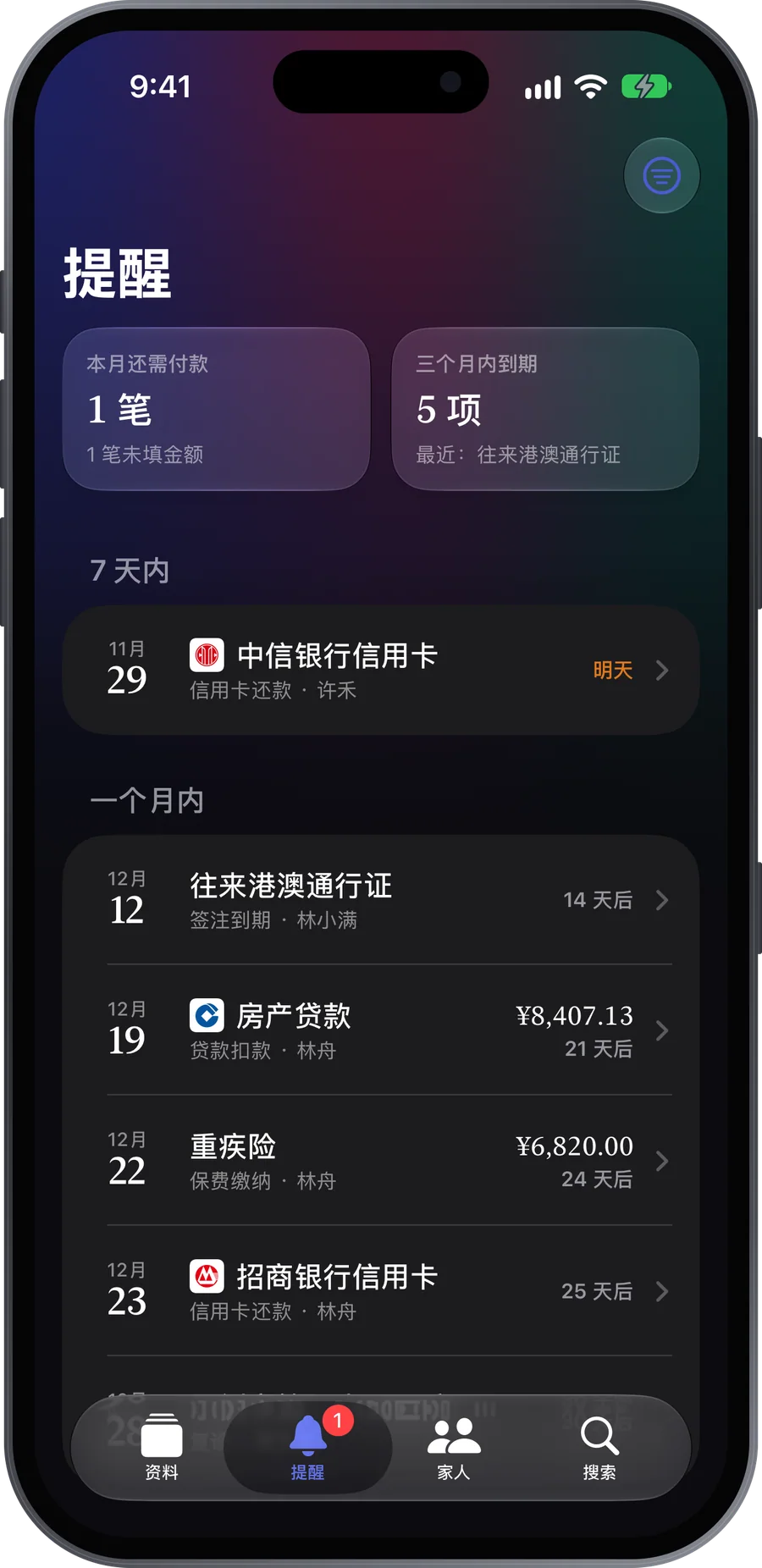
ID expiry, endorsements, car inspections, payments, renewals — reminded as many days ahead as you like.
Learn moreLibrary
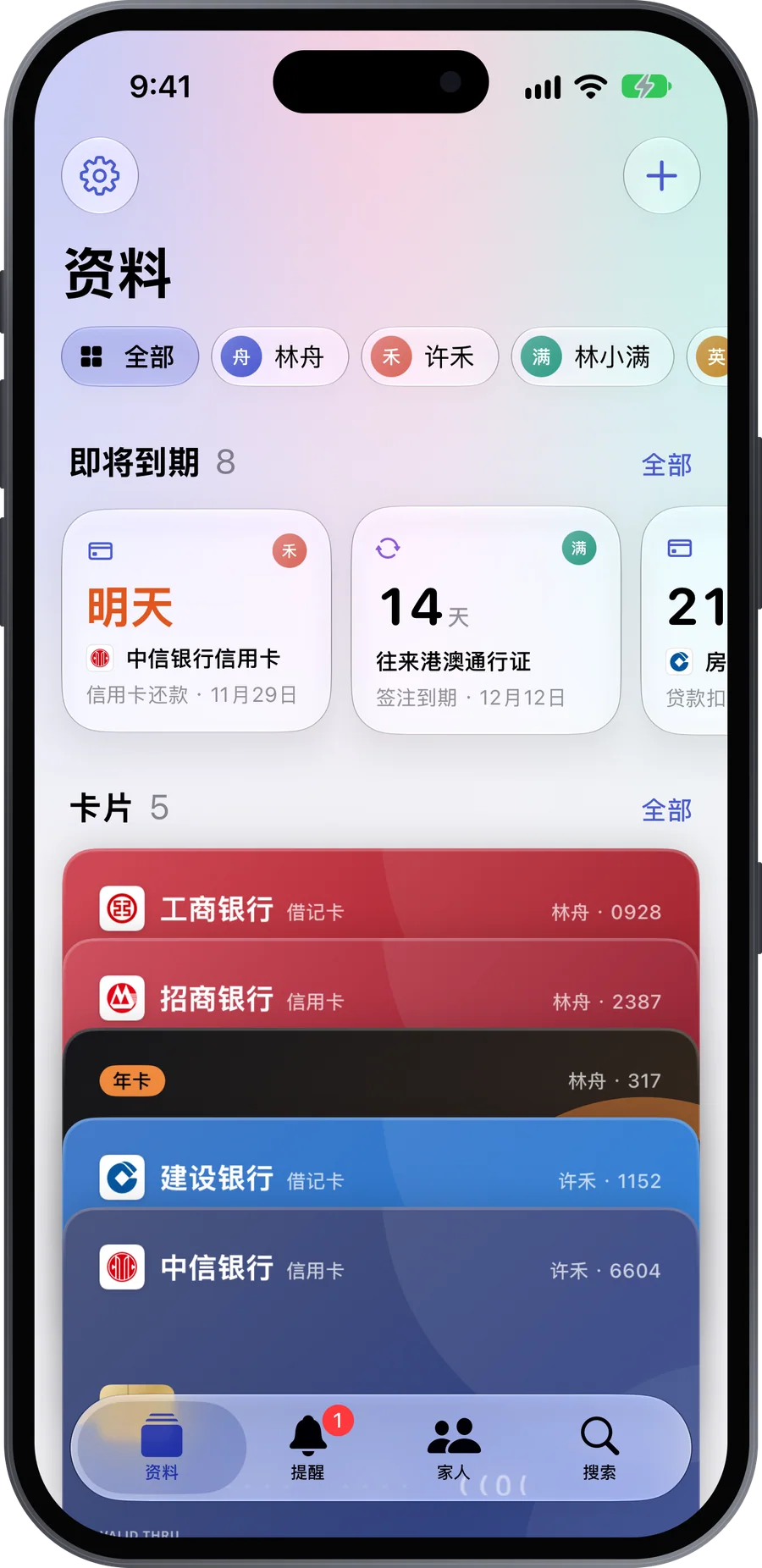
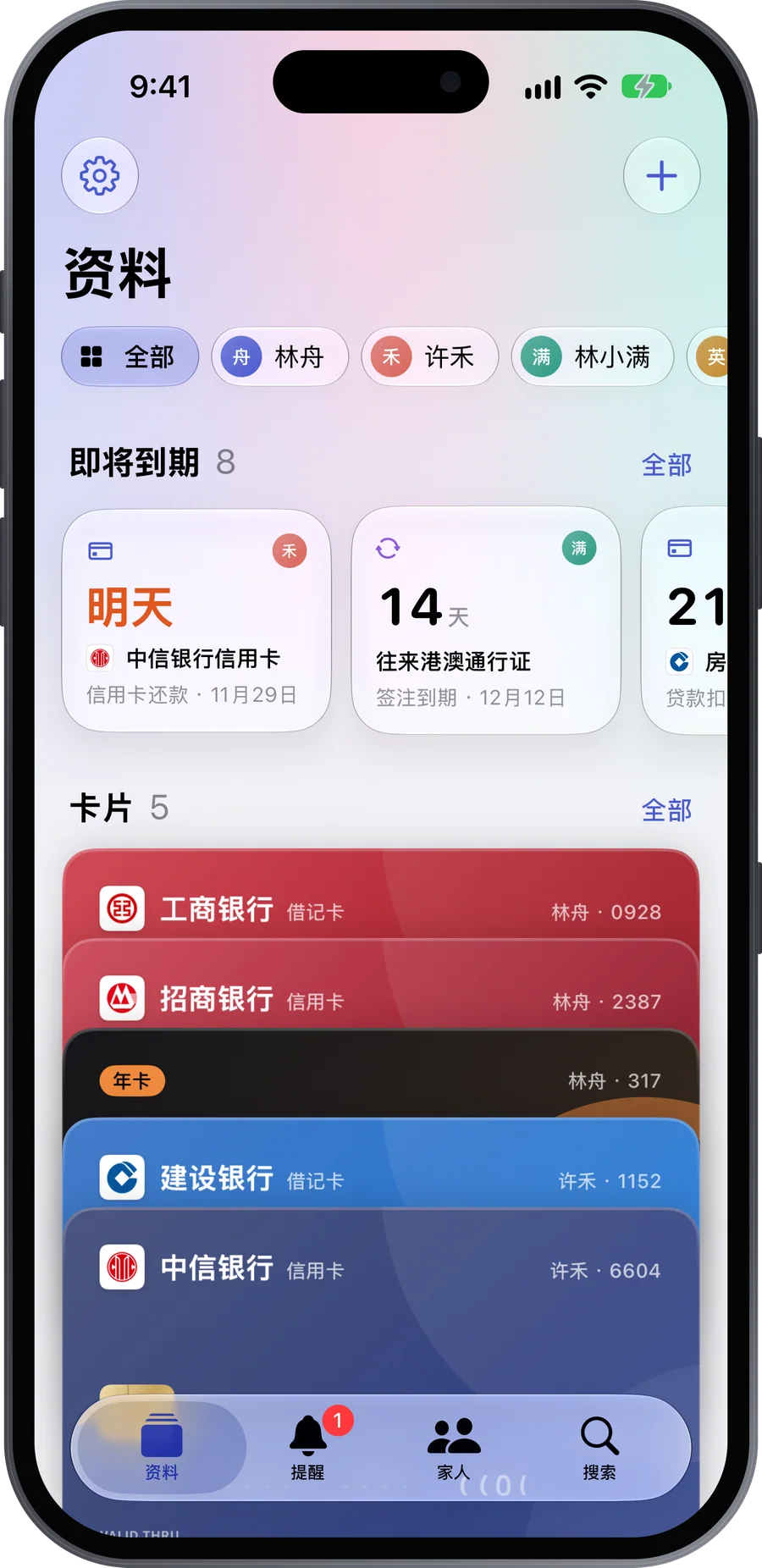
Stacked like the cards in your wallet.
Each card shows only its first line — and that line tells you which card it is: “Household register · head: Lin Zhou”, “Vehicle registration · 京A·0008K”. What's due soon sits on top; everything else is grouped below.
- Filter by family member in one tap — a marriage certificate shows up under both spouses
- Press and hold a card to reorder; tap a group title to fold it
- Search by name, person or last digits; results never show full numbers
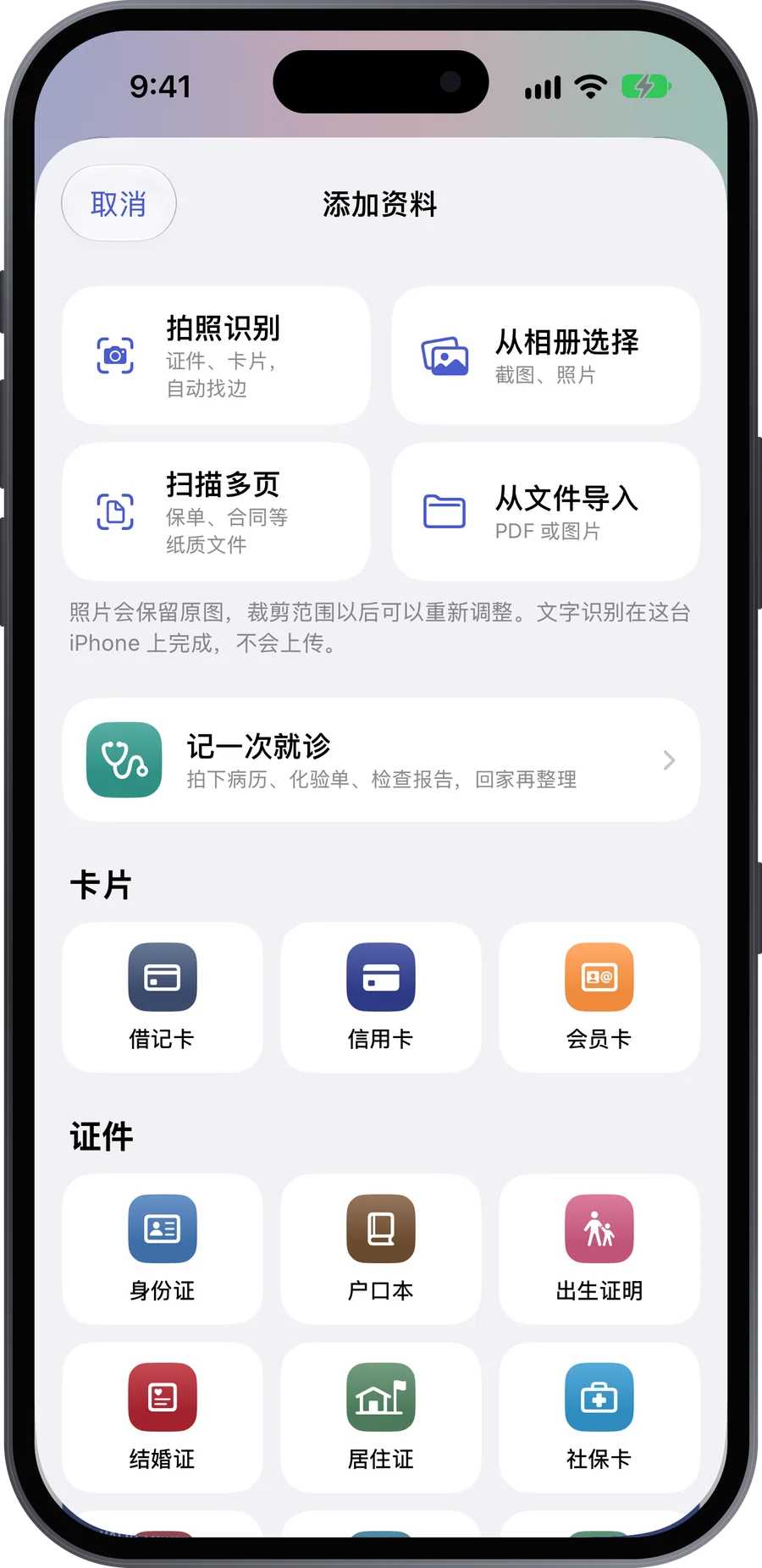
Capture & recognition
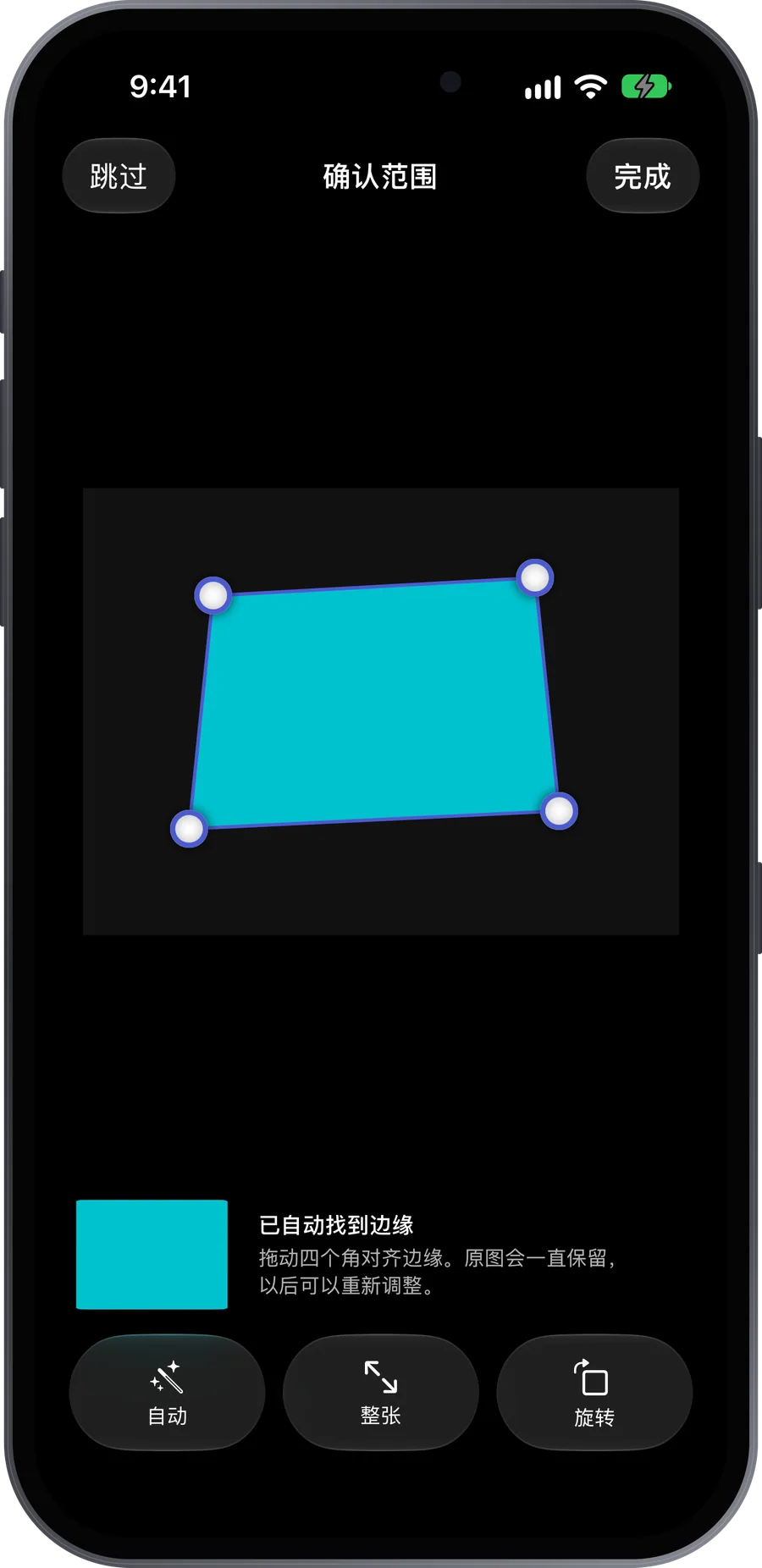
Lay it on the table and snap. Edges, numbers and dates are found for you.
Youbei finds the card's edges and straightens it, and keeps the original so you can re-crop any time. Text is recognised on this iPhone to fill in numbers and dates — nothing is saved until you confirm.
- 1
Photograph or import
Take a photo, scan multiple pages, or import images and PDFs from Photos, Files or other apps.
- 2
Auto-crop
The four corners are found and straightened; drag them or rotate if you like.
- 3
Recognise
ID check digits and card numbers are validated; anything unclear is left blank.
- 4
Cover the security code
When you shoot the back of a card, you're asked to cover the CVV. Covers can be moved or removed.
Reminders
It remembers before renewals, payments and inspections are due.
Reminders come from the dates in your records: enter an expiry date and you get an expiry reminder; enter a statement day and you get a monthly payment reminder. How far ahead to remind is adjustable for each one.
Expiry
IDs, passports, permits, endorsements, driver's licenses, memberships, warranties
Monthly
Card payments and loan debits — mark as paid and it moves to next month
Yearly
Premiums, car insurance renewal, vehicle inspection, business annual report
Health
Next checkup, follow-up visits, pet vaccines and deworming
Notifications never contain numbers or amounts — you can even hide record names.
Show, copy, print
Ready when you need it, and safe from misuse.
Show the document full screen at the counter. When someone needs a copy, make one watermarked “for broadband setup only” and send it to WeChat or email, or print it.
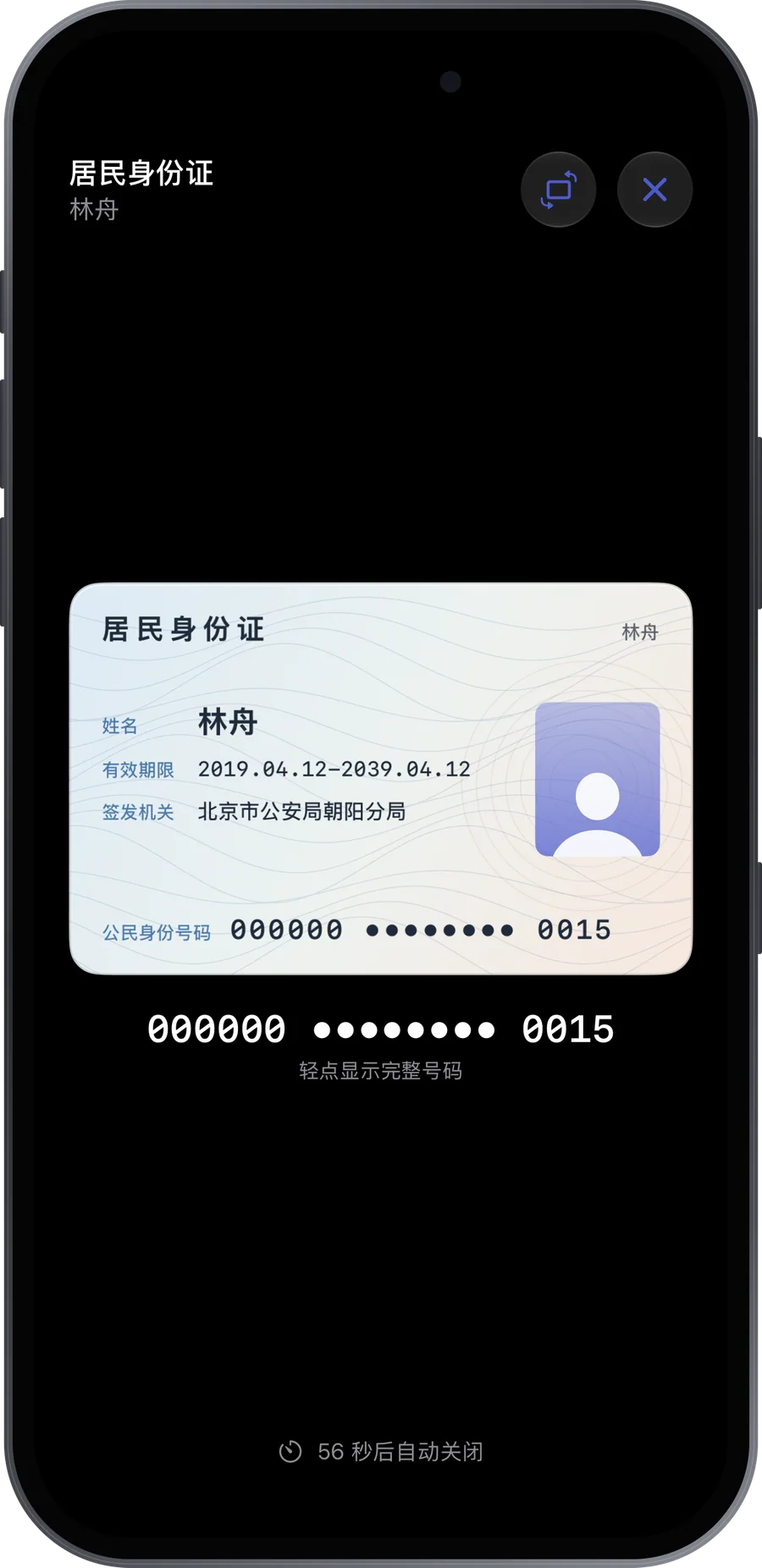
Show
Full screen, brighter, tap to reveal the full number. Closes itself after 60 seconds.
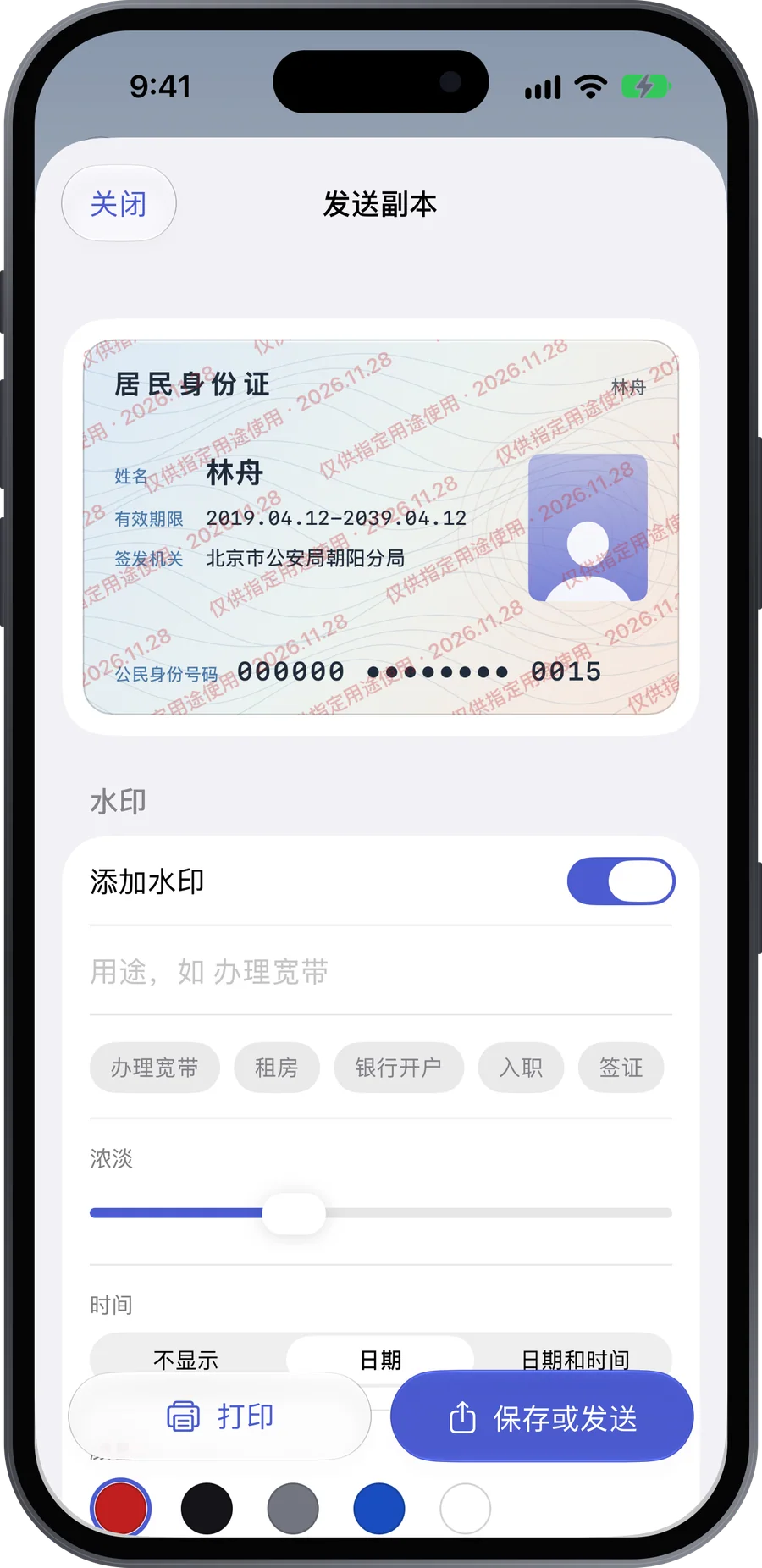
Watermarked copy
Add the purpose and date, adjust strength and colour. Location and time metadata are removed.
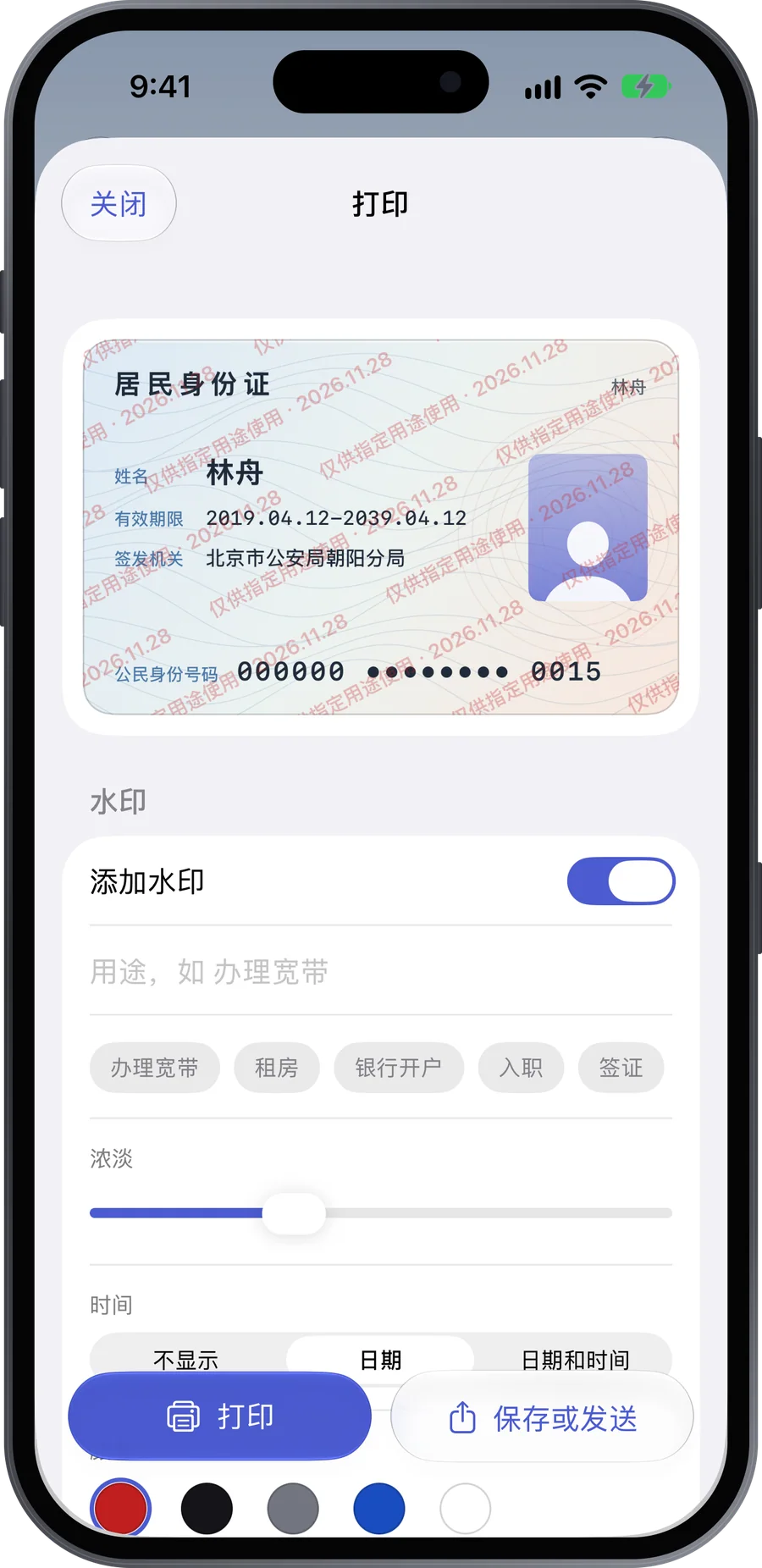
Print both sides of an ID or bank card on one A4 sheet, at real size.
Try it
Say what the copy is for.
Type a purpose and see the watermark. In the app you can also choose colours and include the date and time.
- Name
- Lin Zhou
- Valid
- 2019.04.12-2039.04.12
- Issued by
- Beijing PSB, Chaoyang
Sample data — all numbers are zeros.
For broadband setup only
Family & sharing
Everyone's documents under their own name — and shared when you want.
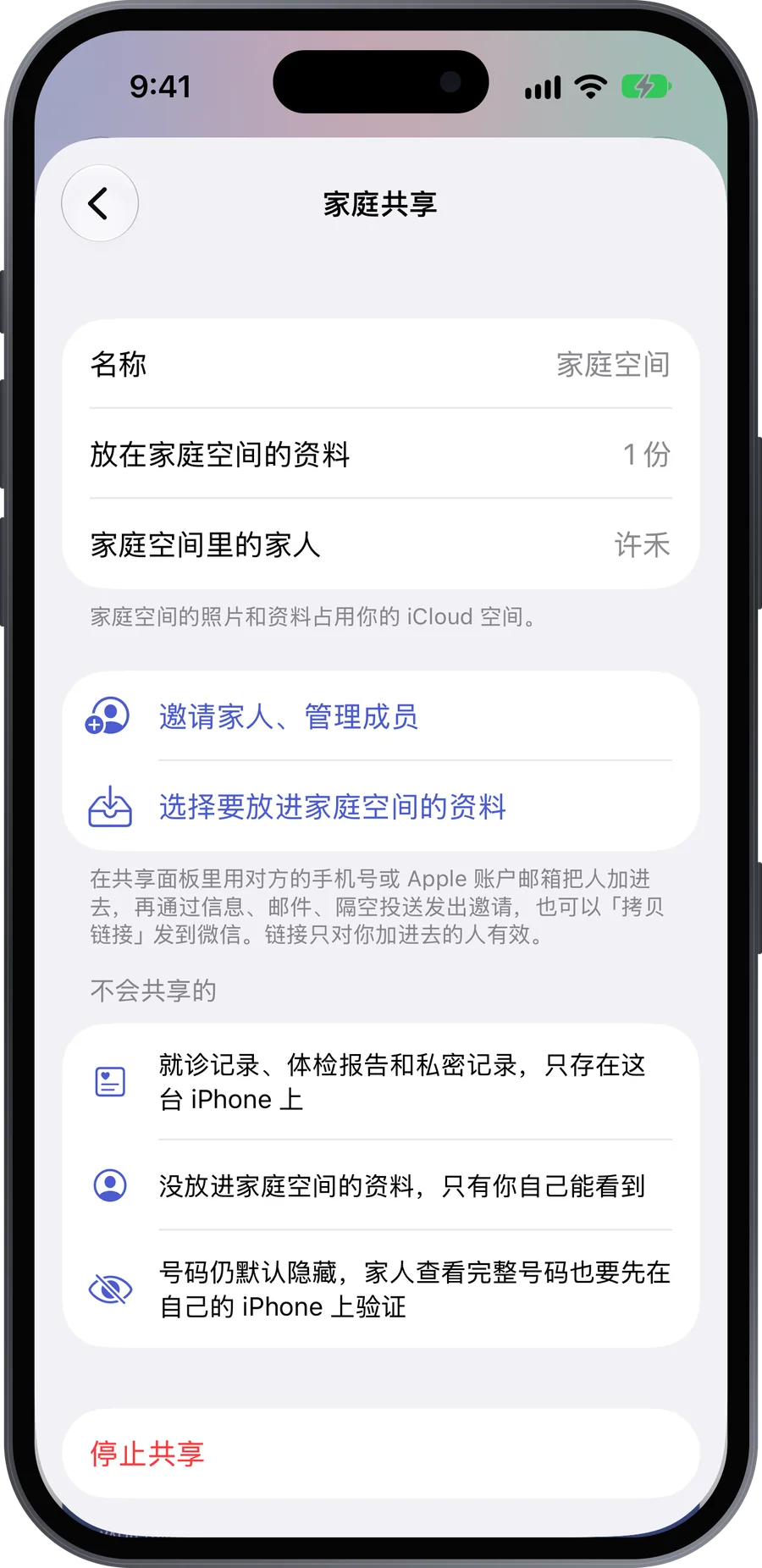
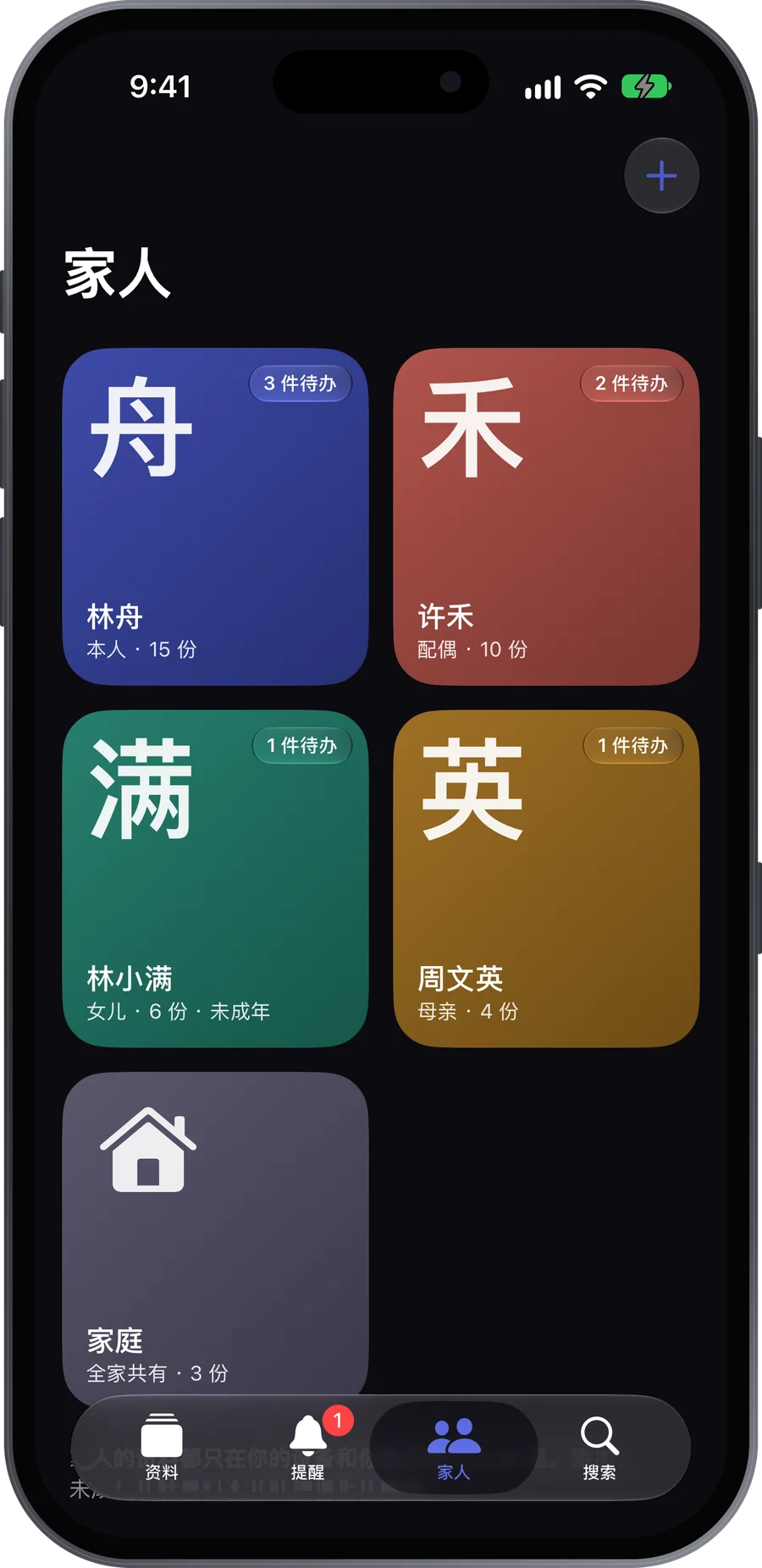
Family members are the first layer in Youbei: whose ID, whose policy, whose checkup report is clear at a glance. To let your partner see and add records too, create a family space shared through iCloud.
- Records in a family space are on everyone's iPhone; changes show up for all
- When one person marks a bill as paid, it's done for everyone
- Doctor's visits, checkup reports and private records never go into a family space
- Just one record? Use “Share this one”, or send an encrypted package
Visits & checkups
Medical paperwork and years of checkups, recorded and findable.
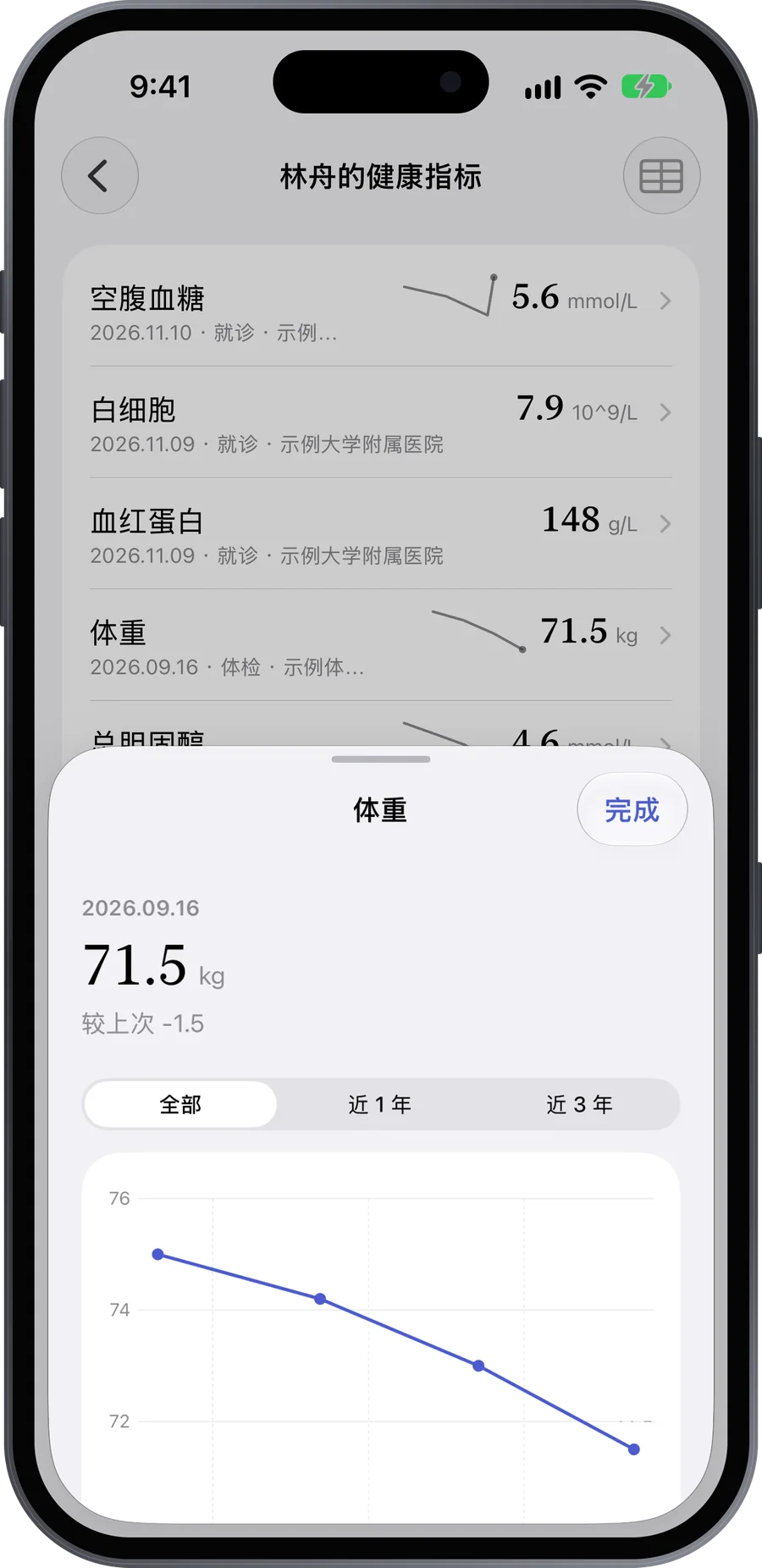
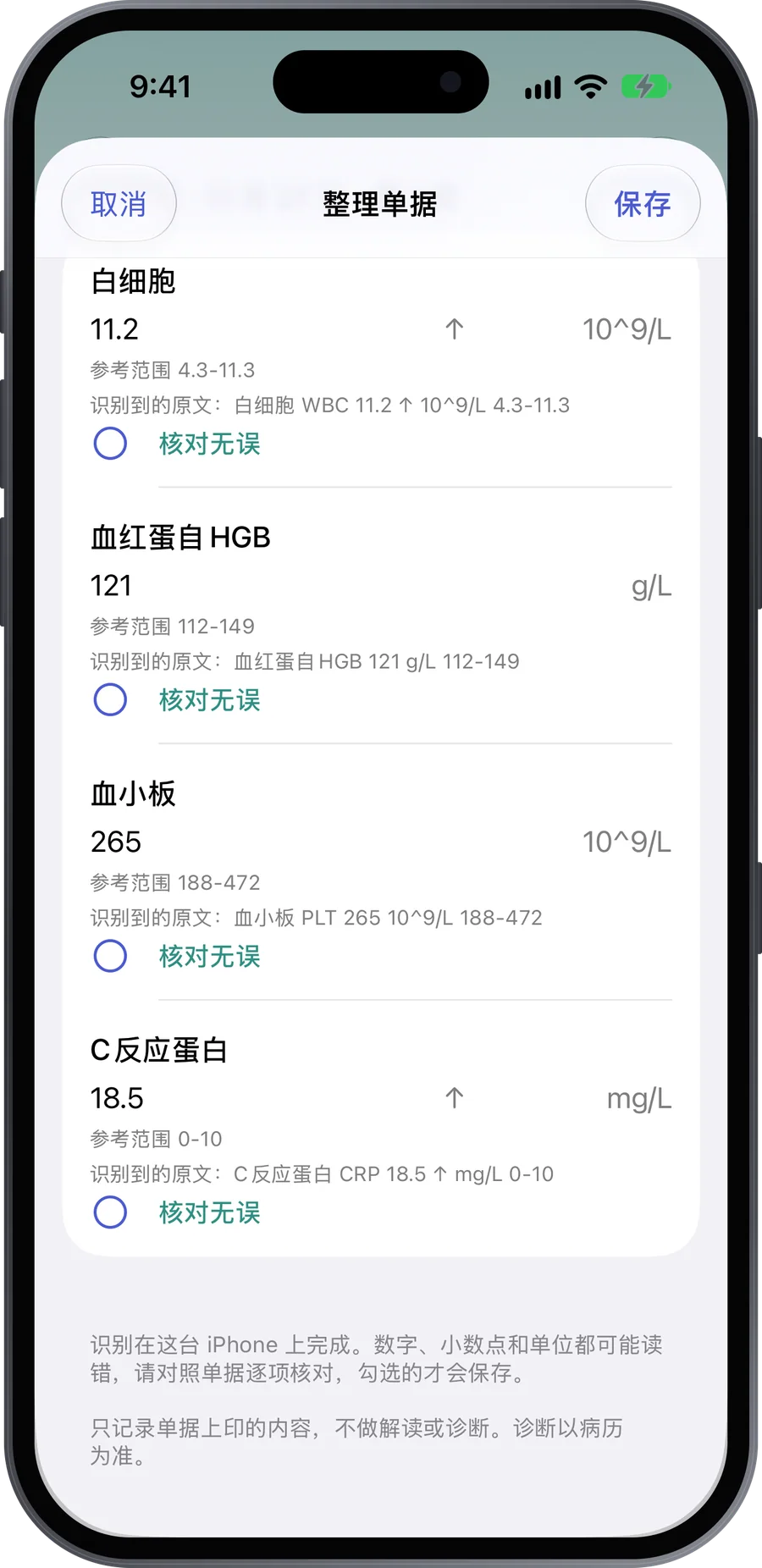
Photograph records, lab reports and receipts at the hospital and sort them later: Youbei recognises the type of each page and reads lab results line by line for you to check. Checkup results line up by year, with each value and its change.
- Visits with the same condition are linked, so the last visit is a tap away
- Visits can be private — they need verification to open
- Recording only: no interpretation, no diagnosis; reference ranges as printed
- Visits and checkups are not synced to iCloud; they stay on this iPhone
Credit cards & loans
Statement days, due dates, monthly payments — remembered for you.
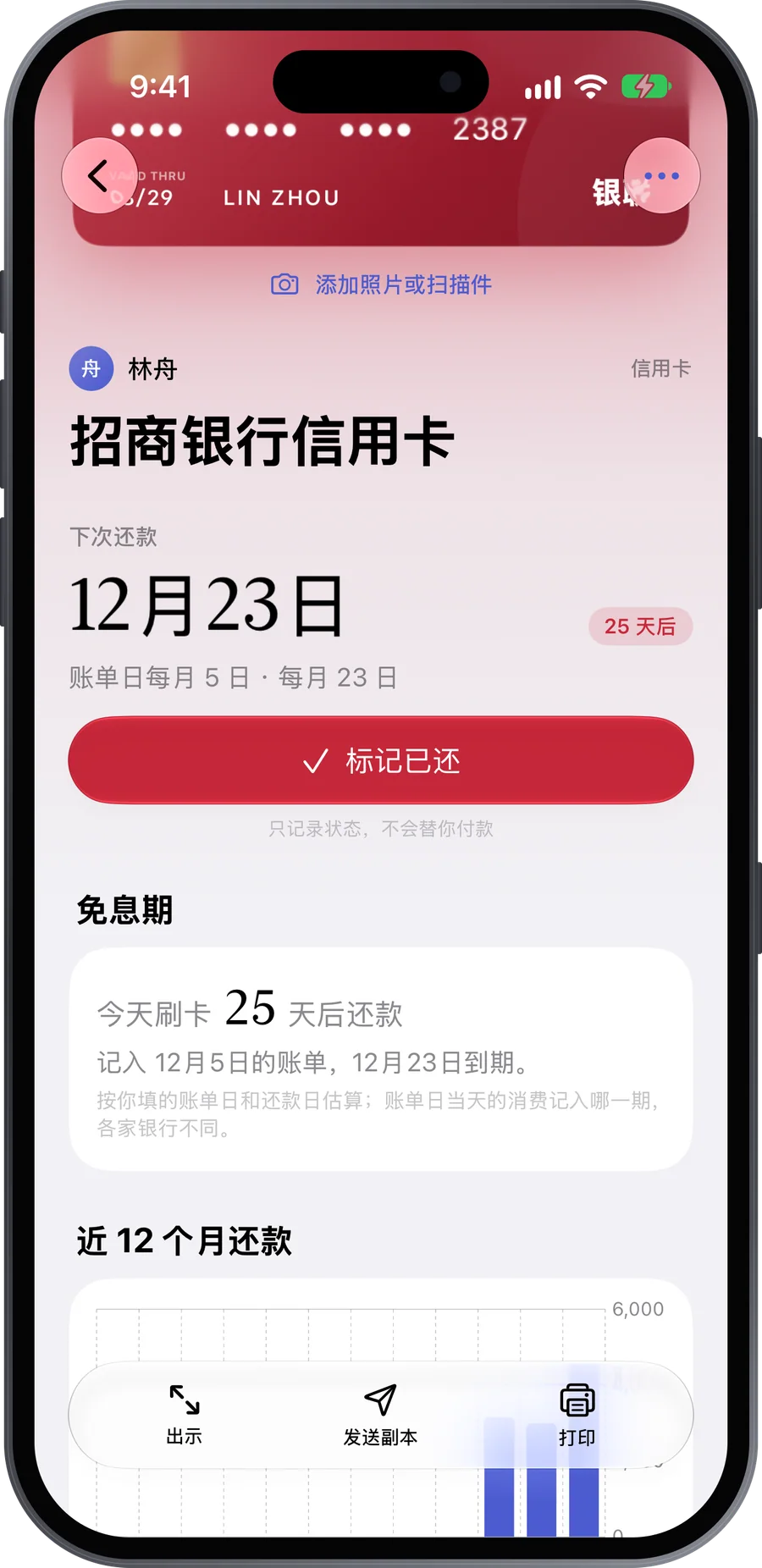
Enter statement and due days and Youbei reminds you every month and works out how long you'd have to pay if you spend today. For loans, it uses your rate and term to estimate the remaining principal, the schedule, and what an early repayment would change.
All figures are estimates based on what you entered; your lender or card issuer has the final say. Youbei only records status and never pays anything for you.
See this feature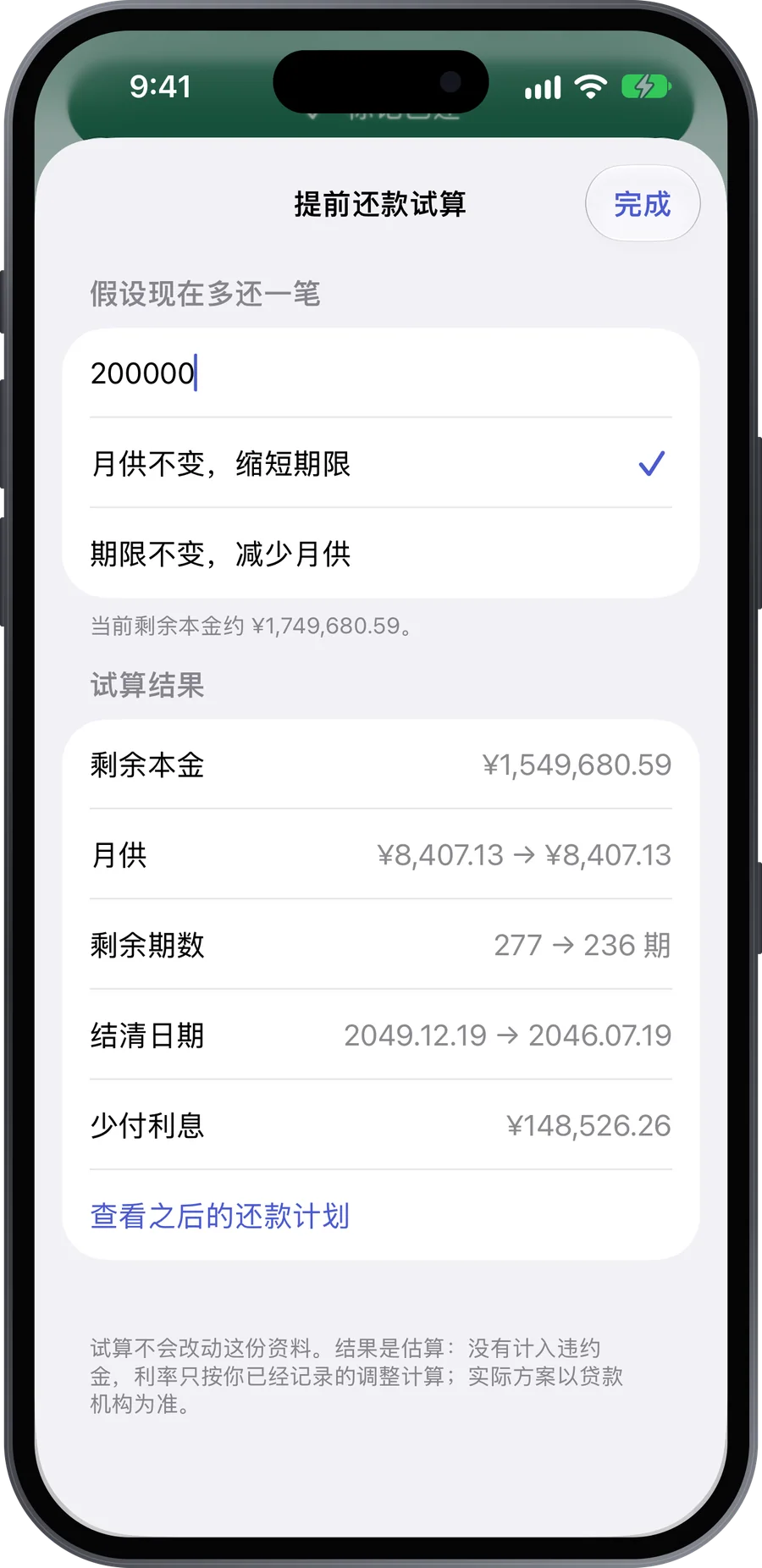
And more
Youbei is in the details.
ID photos
1-inch, 2-inch, passport and visa sizes on white, blue or red, laid out to print — all on device.
Widgets
See what's due next on your Home and Lock Screen — without numbers or amounts.
Versions
When an ID is renewed or a policy rolls over, the old version is kept to look back at.
Encrypted backup
Export the whole library as one password-protected file for a new phone or safekeeping.
Encrypted package
Bundle selected records into an encrypted file for family; they open it in Youbei to merge.
Search
Find by name, type, person or last digits — even “看病” finds doctor's visits.
Record types
28 built-in types for everything a family keeps.
Each type comes with its own fields and default reminders, so there's nothing to set up. If nothing fits, create a custom record.
Privacy
We can't see any of your data.
Youbei has no accounts and no server. Your data lives on your iPhone and, if you turn on iCloud sync, in your own iCloud private database. We have no way to see it — and no wish to.
No account
No sign-up, no phone number. Open it and start.
No server
The only network use is your own iCloud; reminders are local notifications.
No SDKs
No analytics, ads or crash reporting, and no third-party code.
On-device recognition
Text recognition and ID-photo background removal run on this iPhone.
Face ID lock
Verify to open the app and reveal full numbers; the screen is covered in the app switcher.
Numbers stay put
Only the last digits show by default; copied numbers stay on this device and clear after 60 seconds.
Price
Free for now.
No in-app purchases, no subscription, no ads. Every feature is available.
Coming soon to the App StoreRequires an iPhone with iOS 18 or later.
FAQ
Questions you might have
Does Youbei cost anything?
It's free for now, with no in-app purchases, subscriptions or ads. Every feature is available.
Do I need an account?
No. Youbei has no account system. To sync between devices it uses your own Apple Account and iCloud.
Where is my data stored? Can you see it?
On your iPhone. With iCloud sync on, it syncs to your own iCloud private database, written to CloudKit's encrypted fields. We have no server and can't see any of it.
What if I change or lose my phone?
With iCloud sync on, sign in to the same Apple Account on the new iPhone to get your data back (except checkup reports and doctor's visits, which don't sync). You can also export a password-encrypted full backup from Settings › Backup & Restore.
Is there an Android, iPad or Mac version?
Not at the moment. Youbei is for iPhone with iOS 18 or later.
How is this different from Apple Wallet?
Wallet holds payment cards, transit cards and passes. Youbei holds your whole family's documents — ID cards, household register, passports, policies, loans, checkup reports — with photos, fields and expiry reminders, plus showing, watermarked copies, printing and sharing with family.
How accurate is text recognition?
It uses Apple's on-device Vision framework; images are never uploaded. ID numbers are checked against their check digit and card numbers are validated; anything unclear is left blank. You confirm every field before it's saved.
Are doctor's visits and checkup reports uploaded?
They don't sync to iCloud and can't go into a family space — they stay on this iPhone and in backups you export yourself. Note: if your iPhone's iCloud Backup is on, the device backup includes all app data.
Can my family use it together?
Yes. Create a family space and invite family through iCloud sharing; everyone can see and edit what's in it. You can also share a single record, or send an encrypted package.
Will it pay my credit card for me?
No. Youbei only records the statement and due days you enter and reminds you; “Mark as paid” just records the status. All amounts and dates are estimates — your card issuer has the final say.