It holds your family's most important things, so it's extra careful.
No account, no server, no third-party code. Your data stays on your iPhone and in your own iCloud — and on the iPhone, layer after layer of protection.
Highlights
App lock
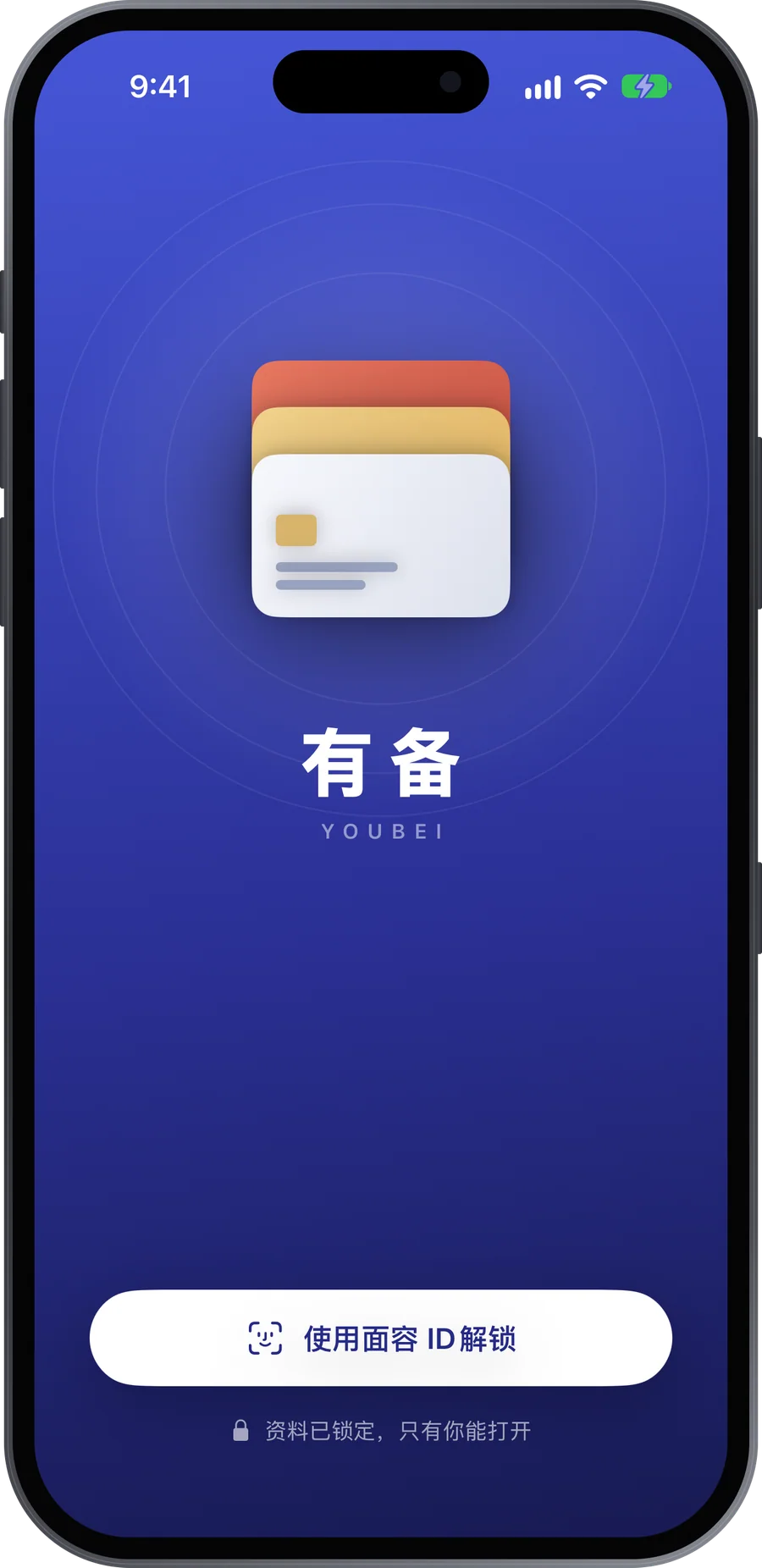
Unlock Youbei with Face ID, Touch ID or your device passcode.
Covered in the switcher
Switching apps covers the screen immediately, so the app switcher shows nothing.
Numbers masked
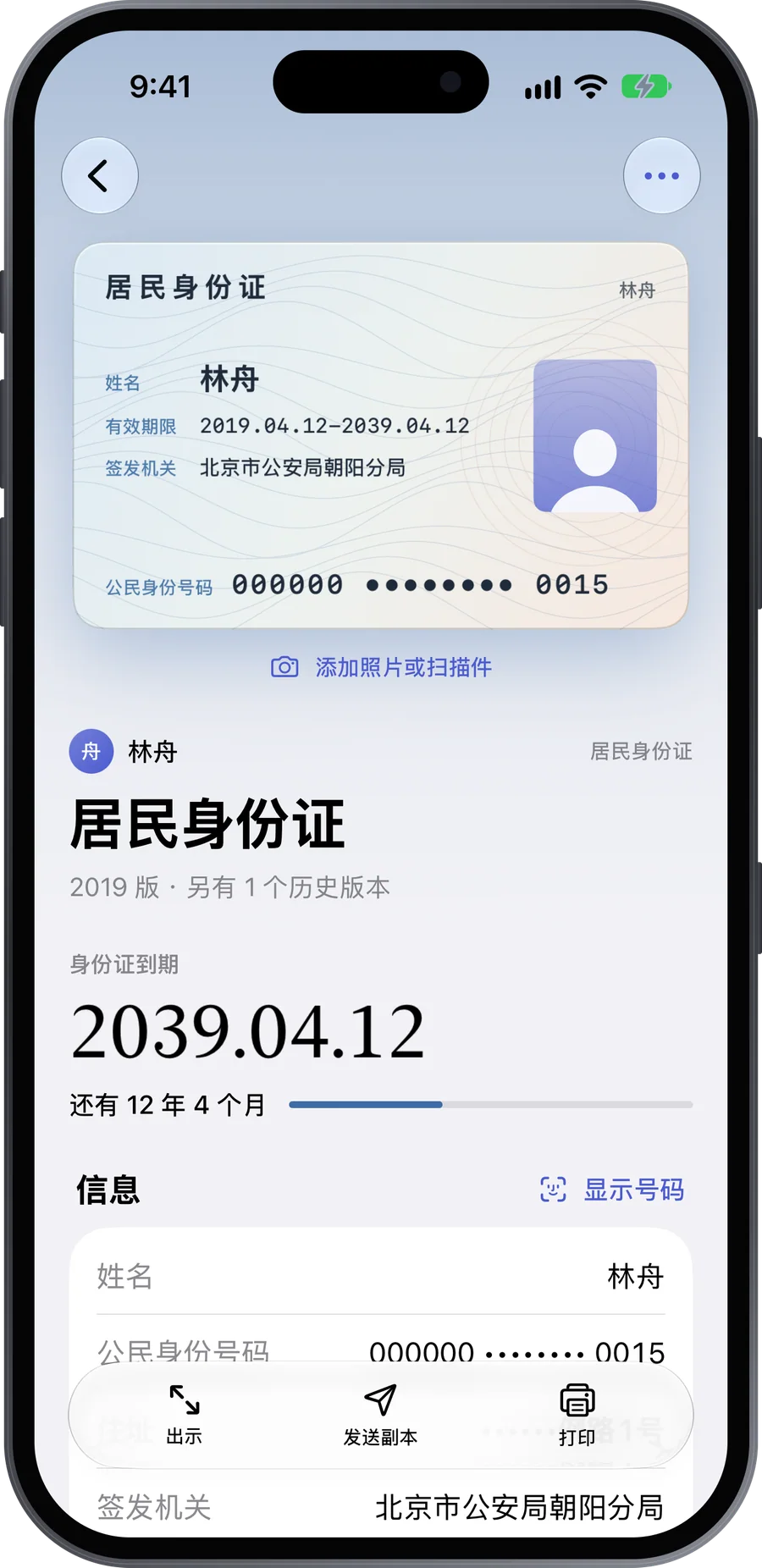
ID and card numbers show only their last digits; verify before viewing, showing or editing.
Copies clear in 60 s
Copied numbers stay on this device, not the universal clipboard, and clear after 60 seconds.
File protection
The database and photos use iOS data protection and can't be read while the device is locked.
Nothing it shouldn't
No CVV, PIN or online-banking password fields; no analytics, ads or crash reporting.
Open Youbei, prove it's you
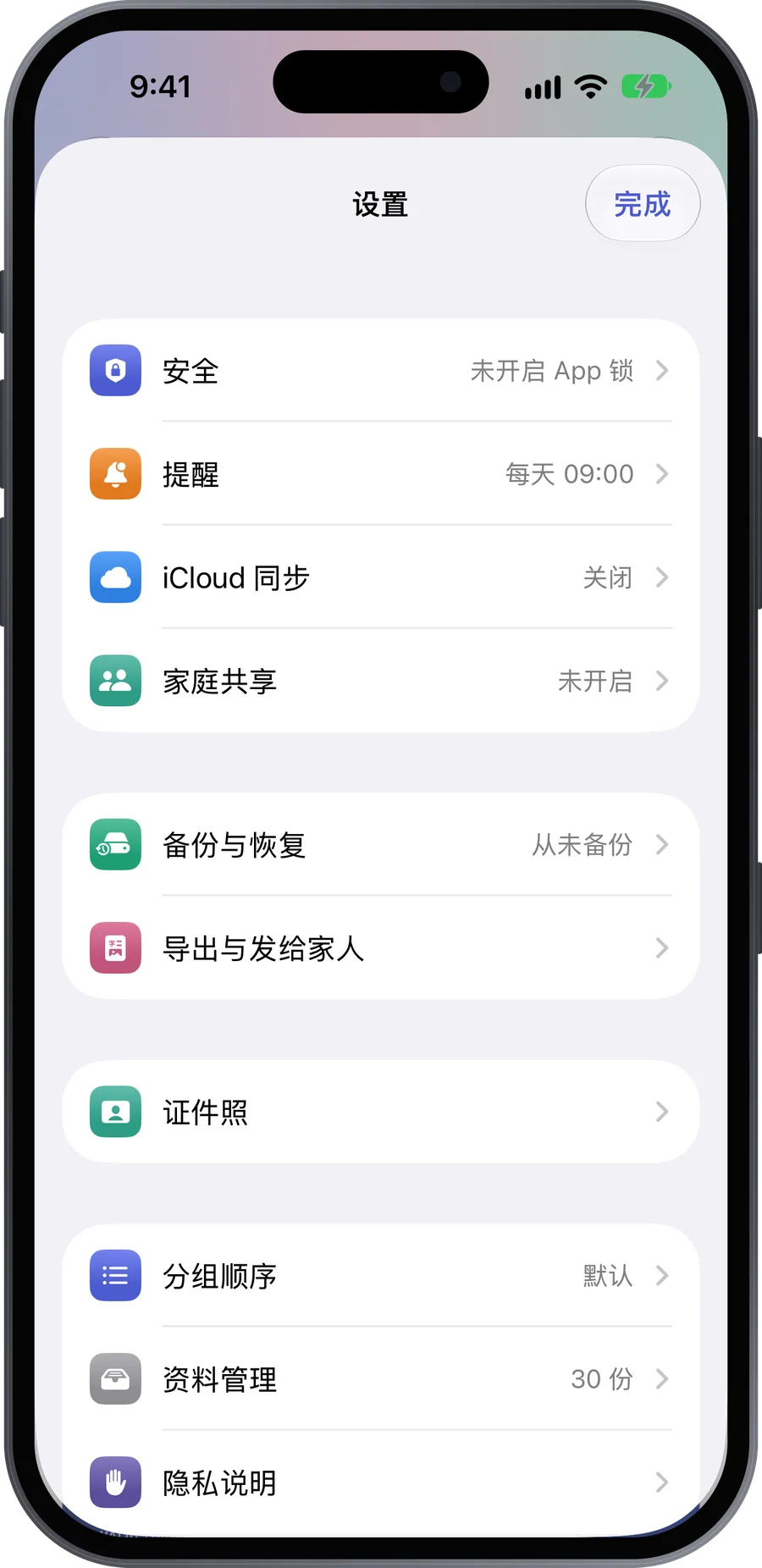
Turn on “Unlock app with Face ID” in Settings › Security. The lock screen fills with the icon's indigo; the same cover appears when you switch apps.
- If this iPhone has no passcode, the app lock and number verification can't work — Youbei tells you
Numbers: verify first
ID and card numbers show only their last digits. Revealing, showing, sending and editing need verification; after one verification you won't be asked again for the time you choose, until you leave the app or lock the phone. Sending, printing and watermarking always ask.
- You can choose “Verify every time”
Where data goes
Records are stored on the iPhone. With iCloud sync on, record contents are written to CloudKit's encrypted fields and photos and files as encrypted assets; with Advanced Data Protection on, they're end-to-end encrypted. Checkup reports and visits don't sync to iCloud.
- iCloud in mainland China is operated by GCBD (云上贵州)
- Reminders are local notifications — no server involved
Good to know
- iCloud sync uses Apple's standard encryption; Youbei adds no app-level encryption and has no recovery key. Turn on Advanced Data Protection for end-to-end encryption.
- We have no accounts or data to “recover” for you. Keep your backup password safe.