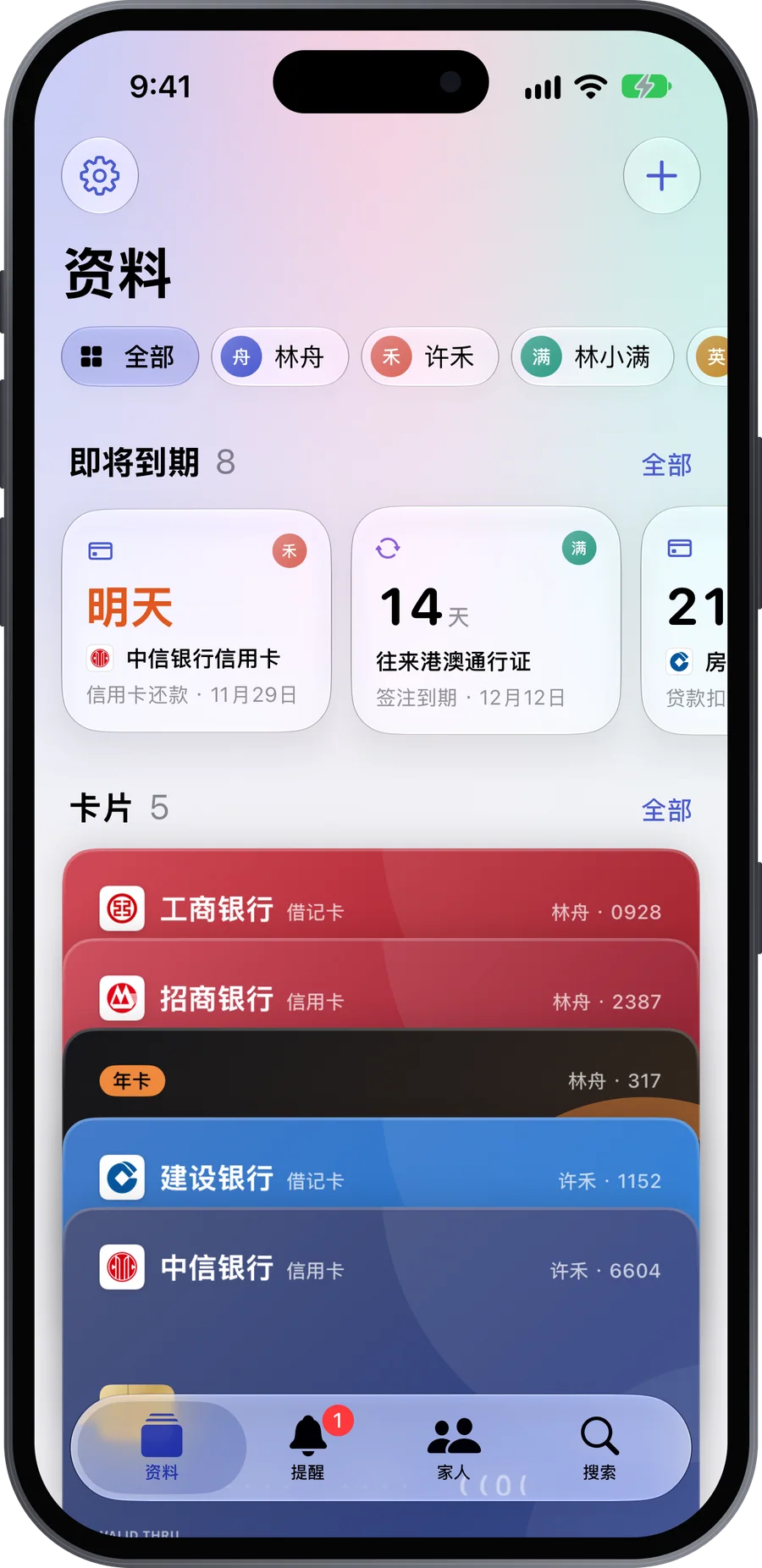
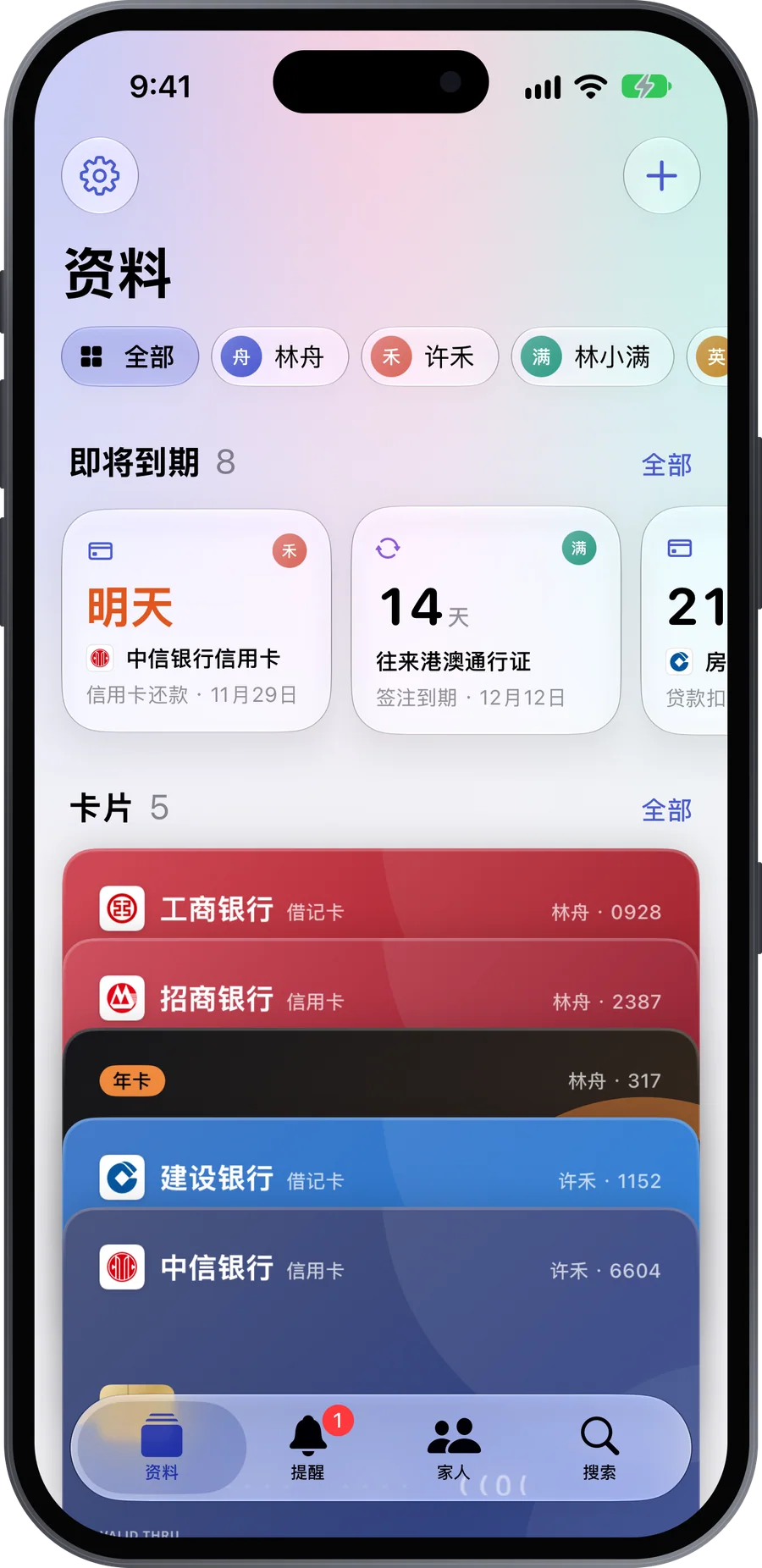
Your family's documents, neatly stacked.
Open Youbei and what's due soon is on top; below are cards, IDs, insurance… stacked by group. Tap a family member's name to see only theirs.
Highlights
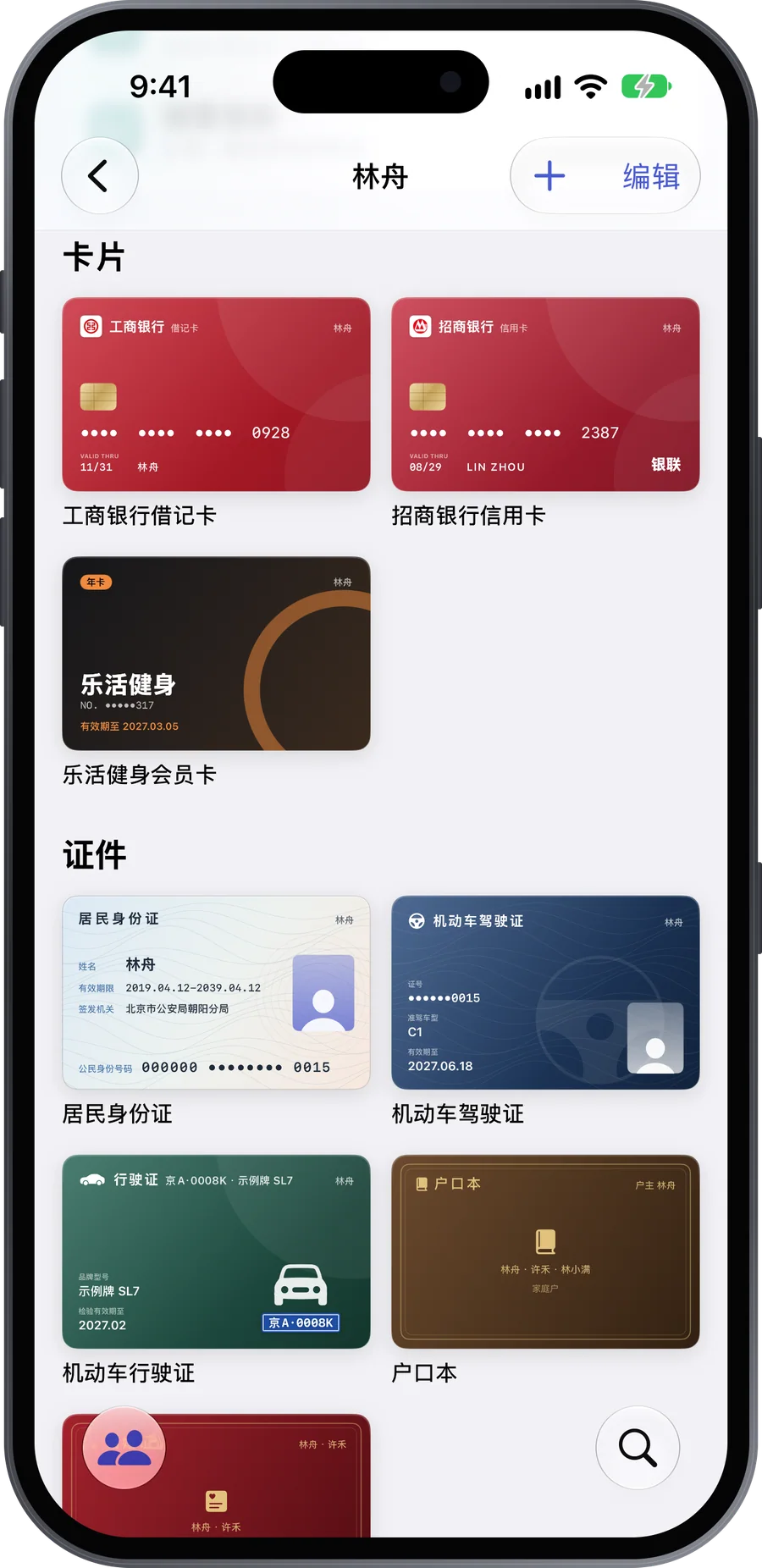
By person
Tap a name in the member bar to filter. Shared documents like the household register or a property deed appear under everyone involved.
Due soon
Anything due in the next 60 days sits on top — “Tomorrow”, “14 days” — one tap from the record.
Three layouts
Stack, two-column grid, or a list with days remaining. Switch from the menu next to “+”; saved on this device only.
Press to reorder
Press and hold a card and drag it into place; the others make room. Group order is adjustable too.
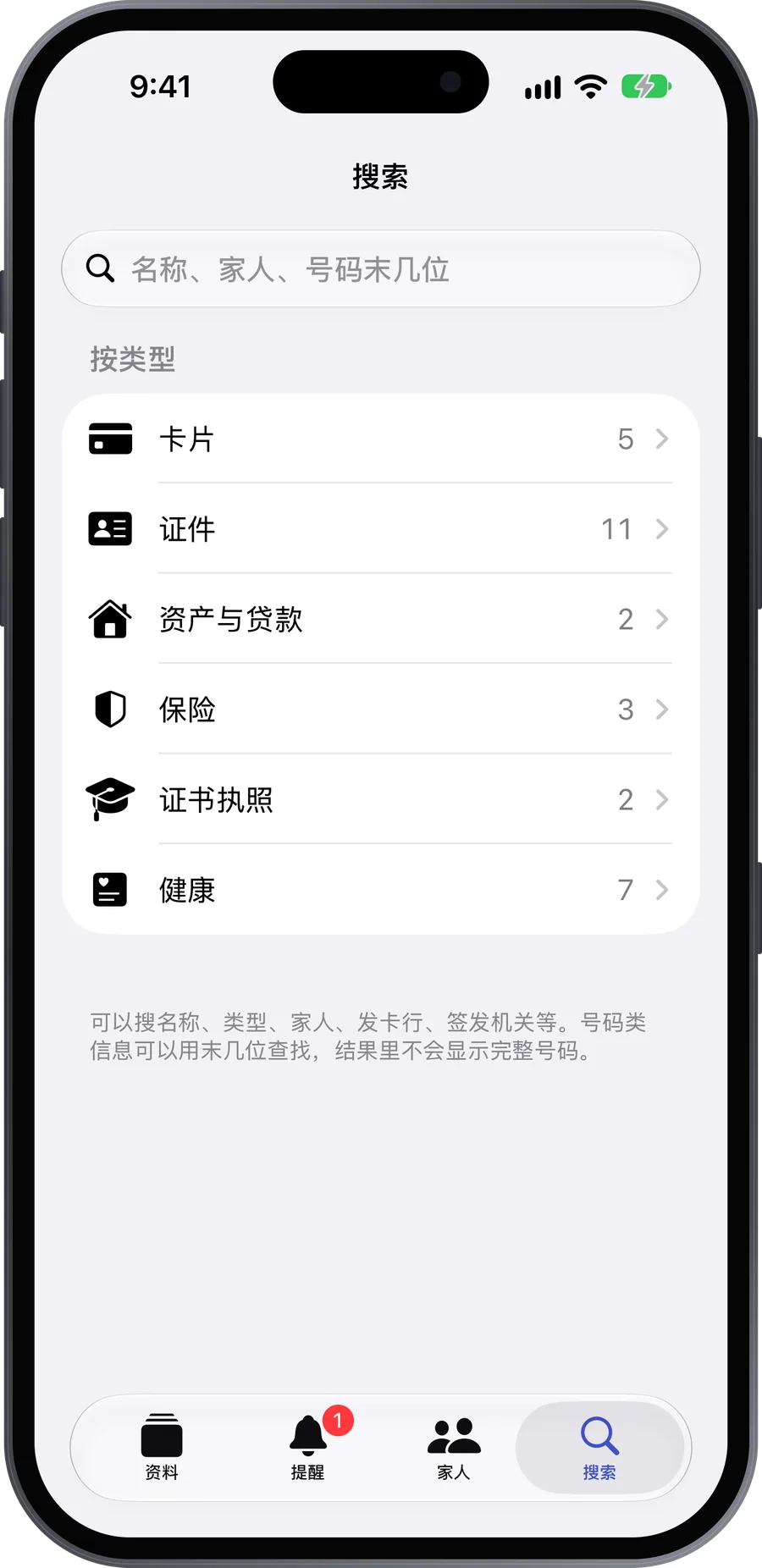
Search
By name, type, person, issuer or last digits. Results never show full numbers.
Versions
Renew an ID or policy with “Update to new version”; the old fields and photos are kept as history.
The first line tells you which card
In a stack each card shows only its first line, so that line is chosen carefully: the household register shows its head, a vehicle registration shows plate and model, a property deed shows building and area. When space runs out, secondary details are dropped from the end — never half a word.
- Bank cards show the bank's logo, card type and last four digits
- IDs are drawn to look like the real document
- Private records show nothing on the card face
Grid or list, when you have more
With lots of records, switch to a two-column grid or a one-per-row list that shows days to expiry. All three use the same card faces and order.
- Tap a group title to fold it
- Group titles stick to the top while scrolling
- In “All N”, select several records to send, reassign or delete at once
A page for each person
A family member's page lists their to-dos first, then health (visits, costs, results), then their cards, IDs and insurance shown in full.
- Press and hold member cards to reorder them
- Mark children as minors; adding records for under-14s needs guardian consent
Find it by the last digits
Type a name, person, type or the last digits of a number — “2387” finds that credit card, “看病” finds doctor's visits. Results show only the last digits, and private records are excluded by default.