Snap it, and it's filed.
Lay a document on the table and take a photo. Youbei finds the edges, straightens it and recognises the number and expiry date — and asks you to confirm every field.
Highlights
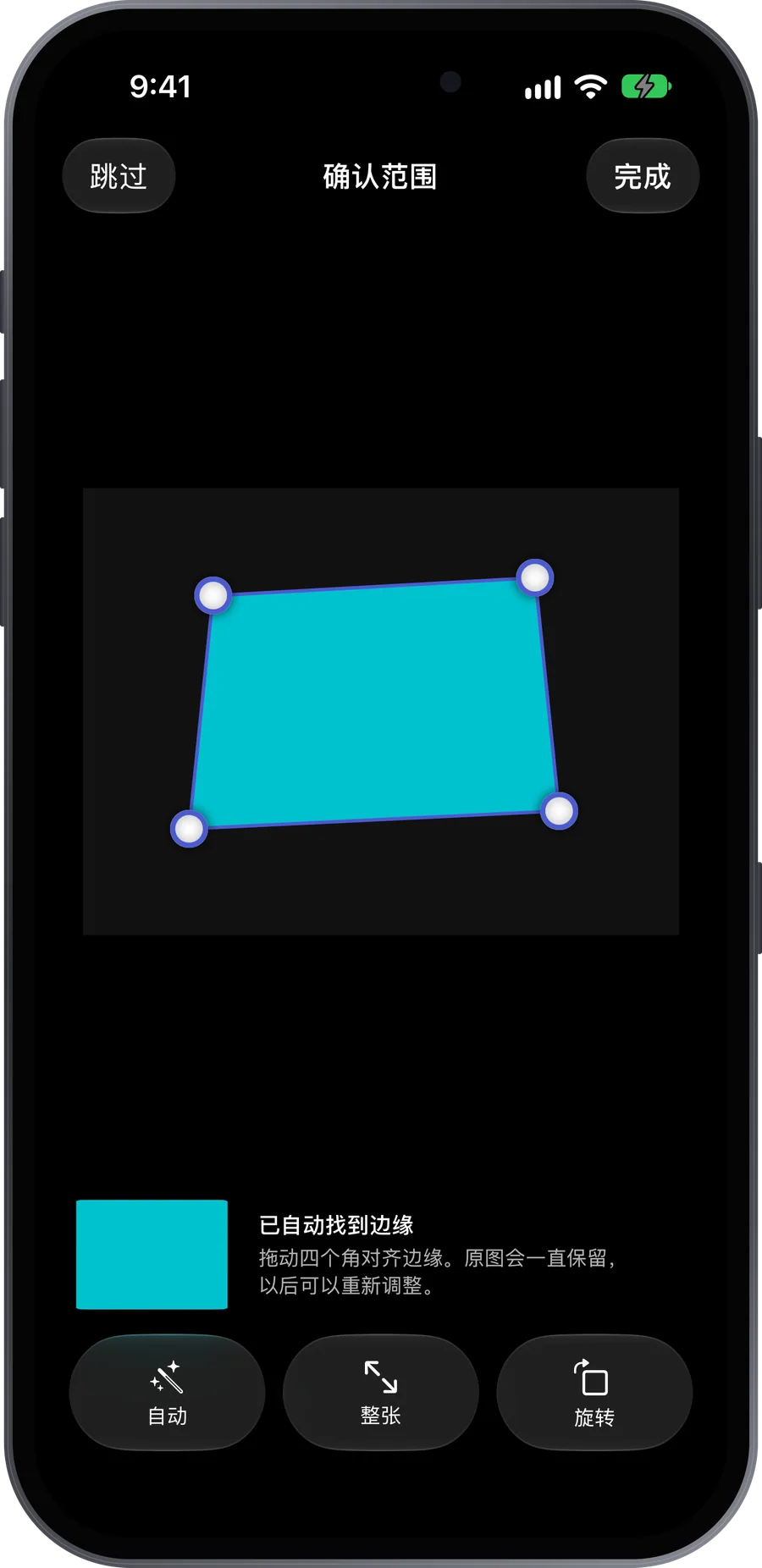
Auto-crop
Finds the four corners and corrects perspective; drag the corners or rotate any time.
Original kept
The original (3200 px on the long side, metadata stripped) is kept so you can re-crop later.
On-device recognition
Apple Vision reads the text on device and fills the matching fields for the record type.
Validated
ID numbers are checked against their check digit and card numbers validated; unclear values stay blank.
Cover the CVV
You're reminded to cover the security code on card backs; covers can be moved, removed, or burned in.
Many sources
Camera, multi-page scan, Photos or Files — or open an image or PDF in Youbei from another app.
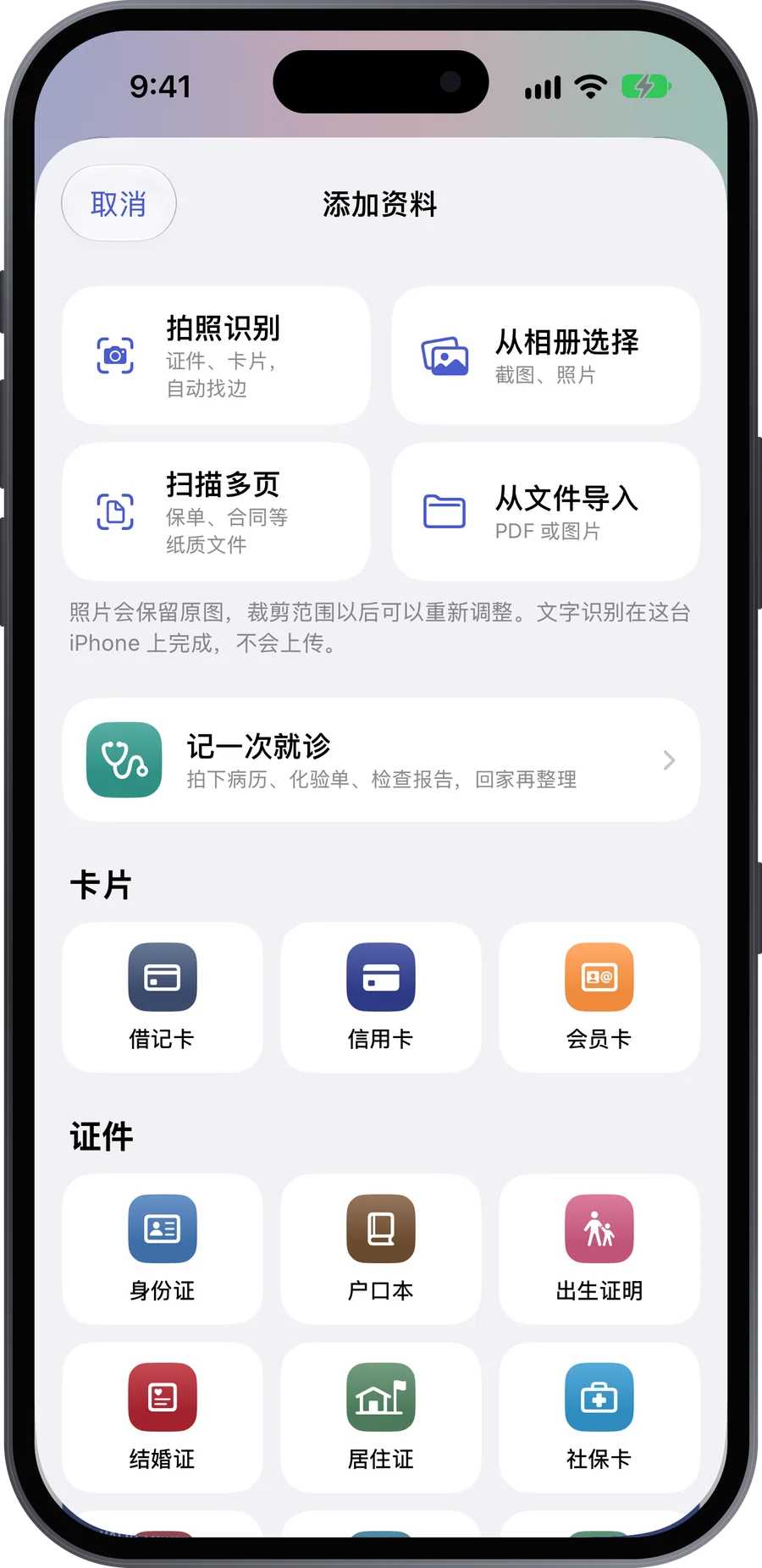
Four ways in, one button
Tap “+” on the library: photo with recognition, choose from Photos, scan multiple pages, or import from Files — with record types grouped below. You can also open an image or PDF in Youbei straight from WeChat or Files.
- Multi-page scan uses the system document camera — good for policies and contracts
- Imported images are converted to JPEG with location data removed
Cropped straight, and reversible
Crooked photo with the table in it? No problem. Youbei crops the card automatically and remembers the corners and rotation, keeping the original separately. Adjust any time — it never gets smaller with each crop.
- Originals travel with iCloud sync and encrypted backups
- Packages you send to family contain only the cropped pages, not originals
Recognised by the phone, confirmed by you
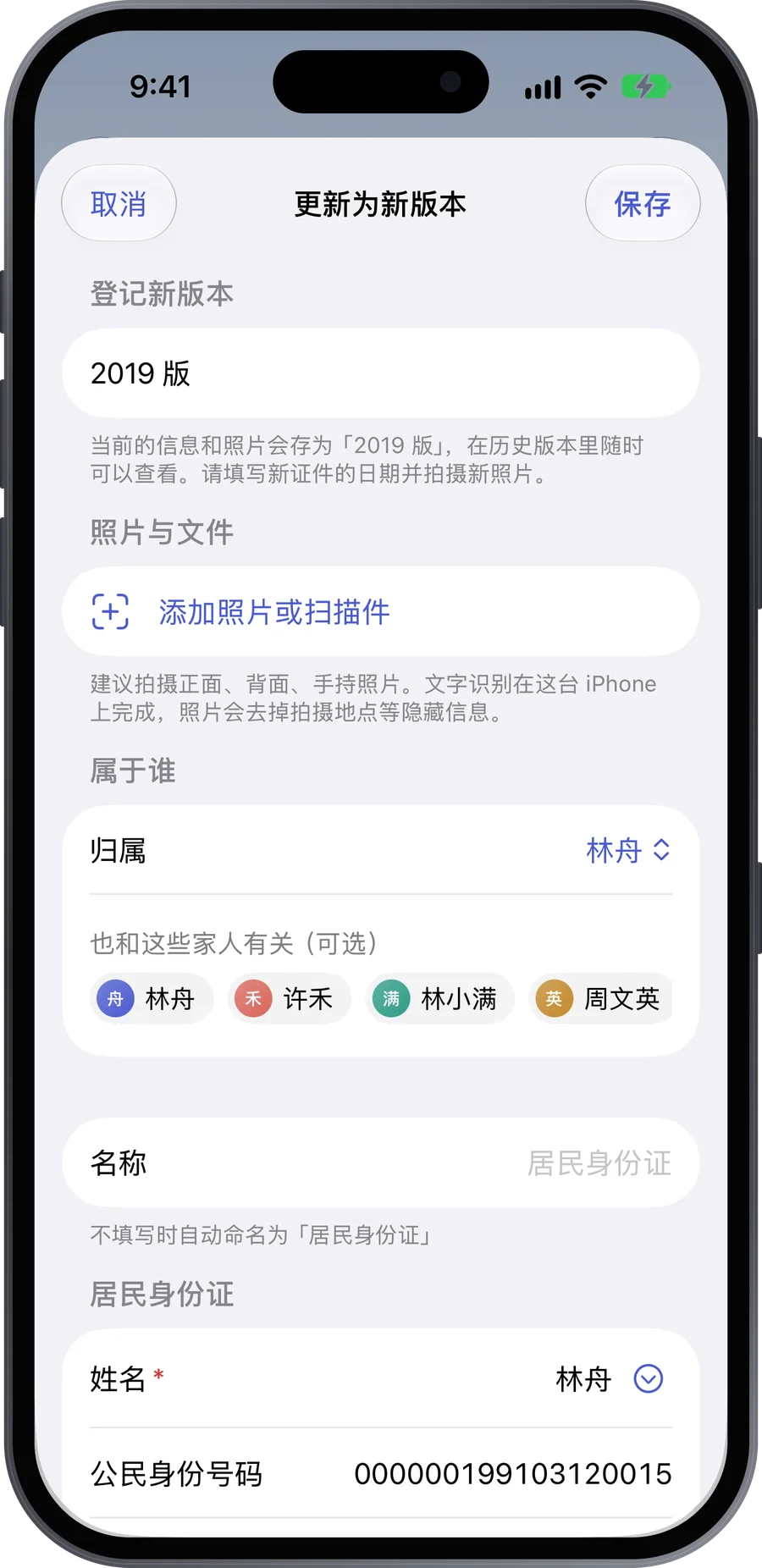
Text recognition happens on this iPhone; images are never uploaded. Results are listed field by field and only saved once you confirm. Everything can be typed in by hand too, with as few required fields as possible.
- Pick previously entered insurers, hospitals or names from suggestions
- No suggestions for sensitive fields like ID or card numbers
Good to know
- Youbei has no fields for CVV codes, card PINs or online-banking passwords.
- Covers hide areas on the page; the original stays untouched unless you choose to burn them in permanently.