New phone? Your records come along.
Turn on iCloud sync and your devices stay in sync. Export an encrypted backup to keep yourself, for an extra layer of safety.
Highlights
Your own iCloud
Syncs to your iCloud private database across devices signed in to the same Apple Account.
Encrypted backup
All people, records, photos and versions, encrypted with your password (AES-256).
Merge or replace
Restore by merging (keep the newer change) or replacing (clear, then restore).
Health stays local
Checkups and visits don't sync to iCloud but are included in your encrypted backup.
iCloud sync
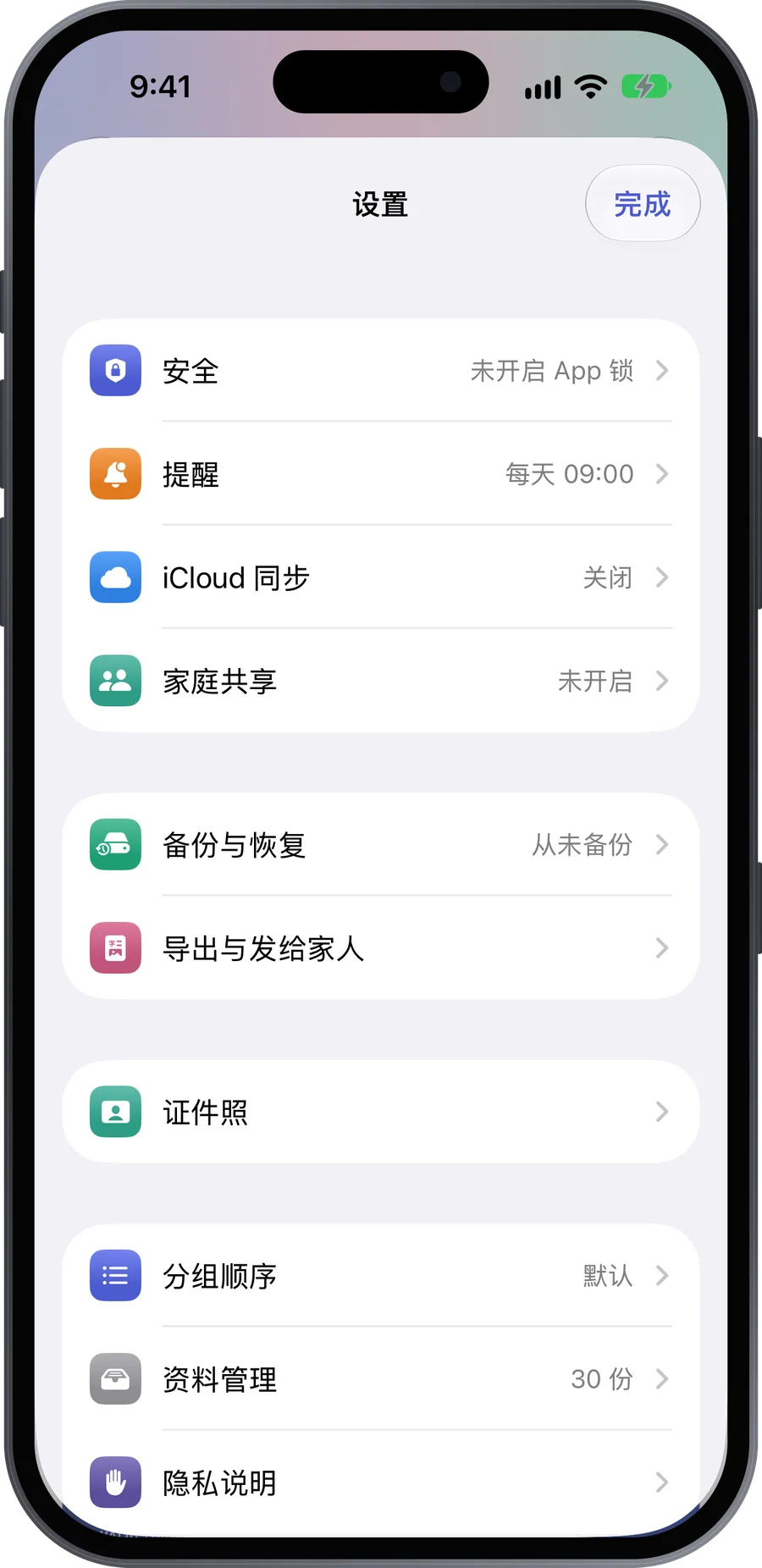
Turn it on in Settings › iCloud sync. Record contents go to CloudKit's encrypted fields; photos and files are stored as encrypted assets. Sync runs while the app is open.
- Family spaces and single-record sharing are built on iCloud and need sync on
- We have no server and can't see this data
Encrypted backup & restore
Export an encrypted backup in Settings › Backup & restore. The password must be at least 10 characters and not all digits — a sentence works well. Keep the file in Files, on a computer or a USB drive. To restore, pick the file, enter the password, and choose merge or replace.
- Forget the password and the backup can't be opened — we can't recover it either
- Restoring only replaces “My records”, not family spaces
- Backups don't include family spaces other people created
Good to know
- Backups and packages both use the .youbei extension; Youbei tells them apart when opening.