Need an ID photo in a hurry? Make it yourself.
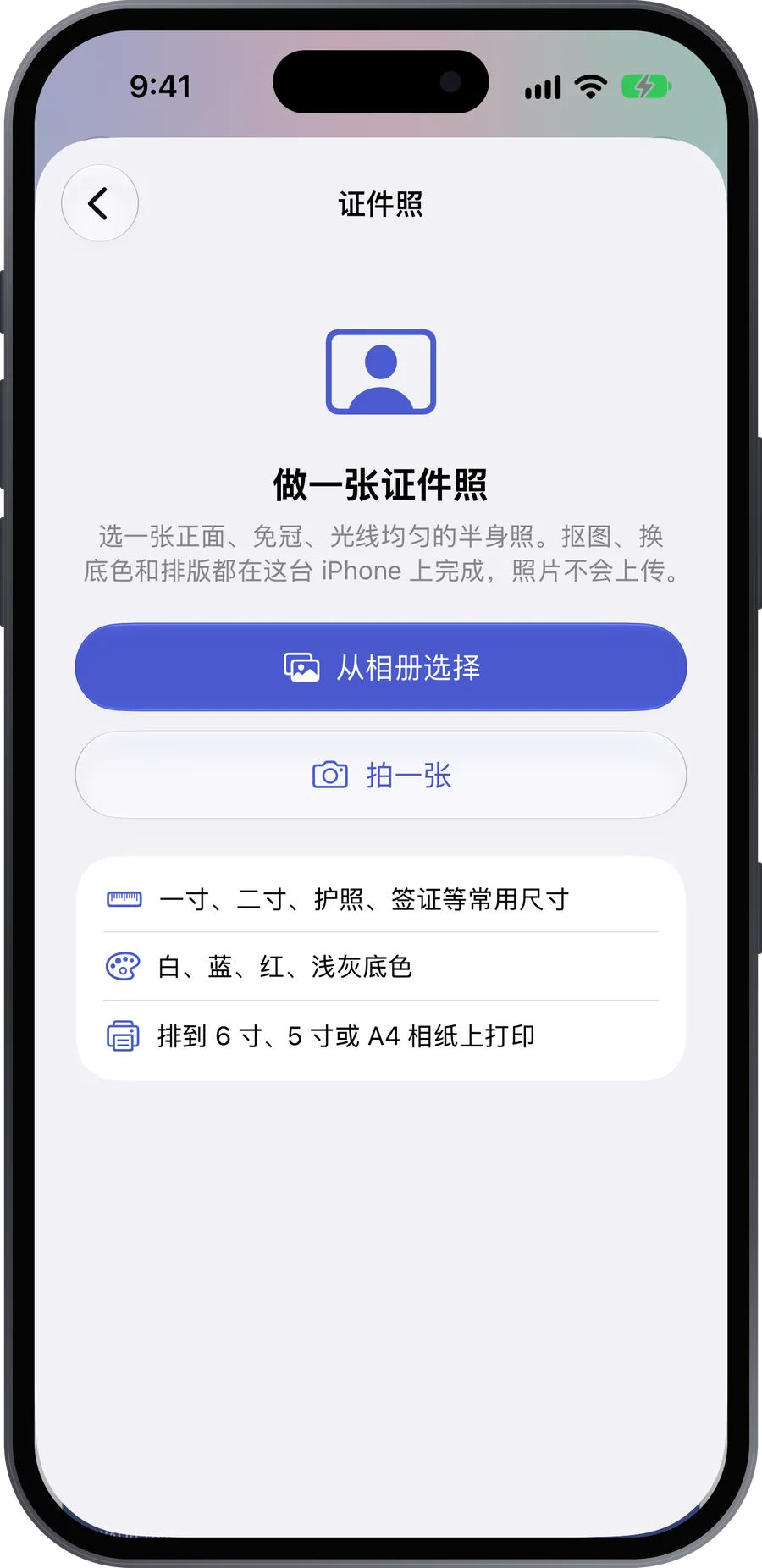
Pick a front-facing, uncovered, evenly lit half-length photo. Youbei removes the background on this iPhone, adds a new colour, crops to size and lays it out on photo paper to print.
Highlights
Common sizes
1-inch, 2-inch, passport, visa and more.
Four backgrounds
White, blue, red, light grey.
Print layouts
Lay out on 6-inch, 5-inch or A4 photo paper.
On-device cut-out
Background removal happens on this iPhone; photos are never uploaded.
Find it in Settings
Open Settings › ID photo, choose from Photos or take one, adjust the position, pick size and background, then save to Photos or lay it out to print.
- Stand in front of a plain wall with even light
- Exact requirements (size, background, selfies allowed) depend on the issuing office
Good to know
- Saving to Photos requires allowing Youbei to add photos.